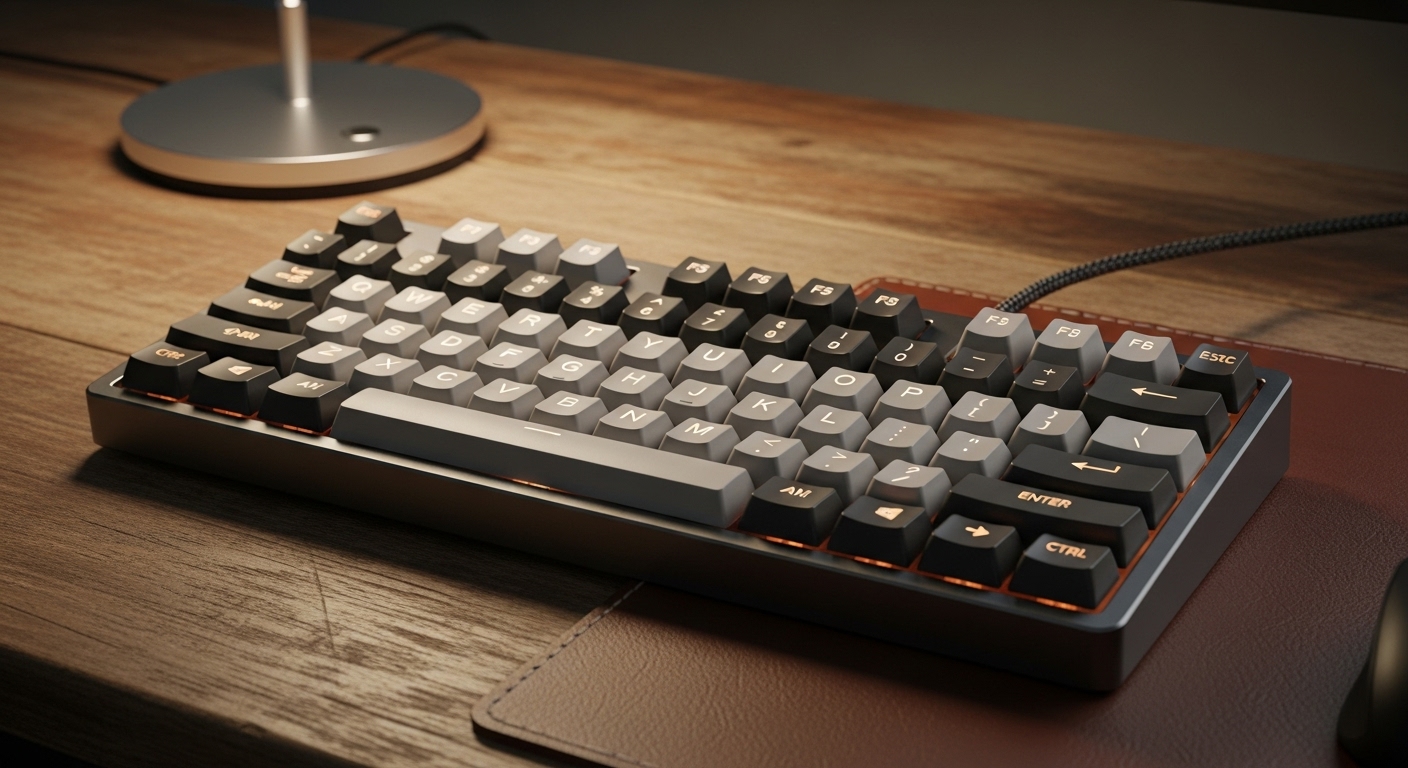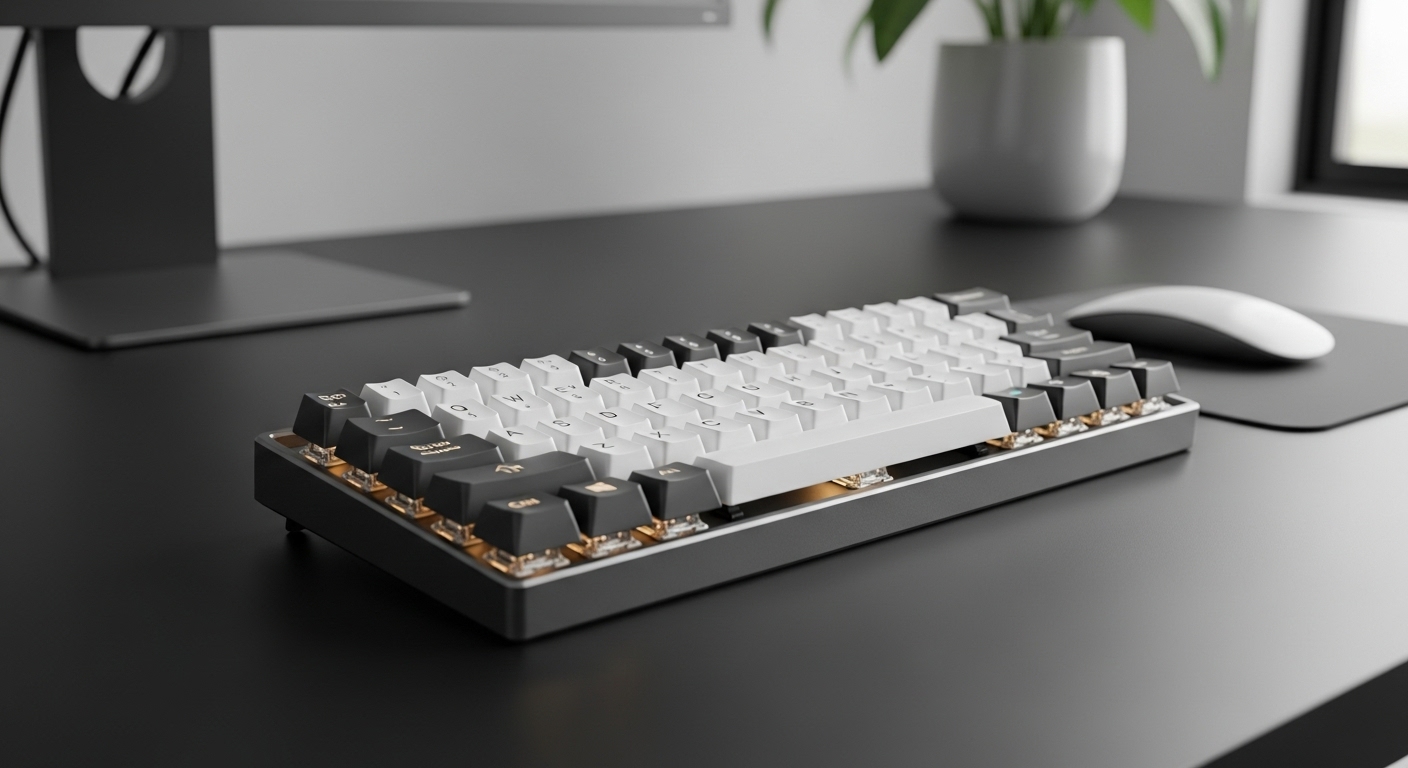
If you want a mechanical keyboard for the office, the goal is simple: quiet, professional, and comfortable all day—without the loud clacks that make coworkers hate you.
The right board should feel smooth, look clean on a desk, and keep noise low (especially on Space/Enter).
Affiliate disclosure: As an Amazon Associate, I may earn from qualifying purchases (at no extra cost to you).
What makes a keyboard “office-friendly”
- Quiet switches: silent linear or dampened switches reduce bottom-out noise
- Good stabilizers: the spacebar is usually the loudest key—better stabilizers help a lot
- Clean look: simple colors, minimal gamer styling, tasteful lighting
- Wireless stability: 2.4GHz is typically the smoothest; Bluetooth is fine but can be quirky in some offices
- Extra comfort features: gasket mount, foam, thicker keycaps = less ping and hollowness
Quick pick (optimal choice)
✅ Best Overall for Office: Cherry KC 200 MX — built like an office tool, typically quiet switch options, clean and professional.
Best “premium office + features” pick: RK Royal Kludge S98 — screen/knob, wireless, creamy sound profile potential.
Best value with screen/knob: COROBOO K108 Pro — full-size with a big battery and a clean aesthetic.
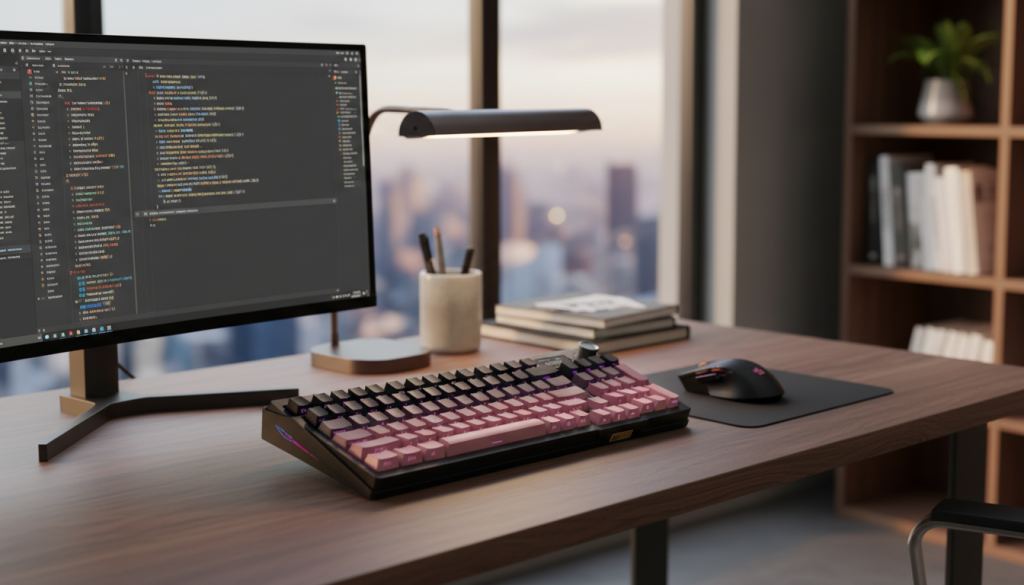
1) RedThunder K95 (Wireless, Screen + Knob, Gasket, Hot-Swap)
What it’s like
This is a feature-rich office board with a modern, desk-aesthetic style: screen + knob, tri-mode connectivity, and a gasket-style build that can reduce harsh noise when typing.
Standout features
- Tri-mode connection (Bluetooth / 2.4GHz / wired)
- Gasket-style design can soften sound and feel
- Hot-swappable switches for easy customization
- Screen + knob for quick controls
Pros
- Great feature set for the price range
- Hot-swap makes it easy to go quieter later
- Desk-friendly look (more “setup” than “gaming”)
Cons
- Silent performance depends on switches + stabilizers tuning
- Screen/knob is nice, but not essential for everyone
Best for: Office users who want features + aesthetics and like having a knob for volume/controls.
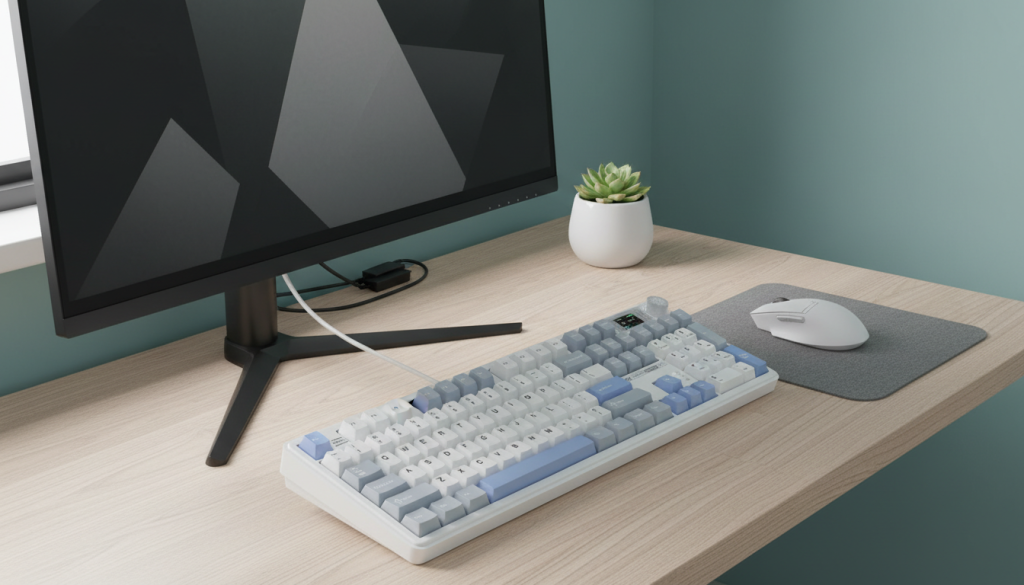
2) COROBOO LINGBAO K108 Pro (Full-Size, Screen + Knob, Big Battery, Hot-Swap)
What it’s like
A full-size layout geared for productivity, with a screen + knob and a huge battery. If you rely on a numpad and want wireless convenience, this hits the office checklist.
Standout features
- Full-size with number pad (great for spreadsheets)
- Very large battery (listed 10,000mAh)
- Hot-swappable switches
- Screen + knob for controls/status
Pros
- Great for office productivity workflows
- Battery life should be strong (especially for wireless desk setups)
- Hot-swap = easy to install quiet switches
Cons
- Full-size takes more desk space
- Sound/quietness depends on the exact switches and stabilizer tuning
Best for: Spreadsheet/data-entry users who want full-size + long battery with a clean look.
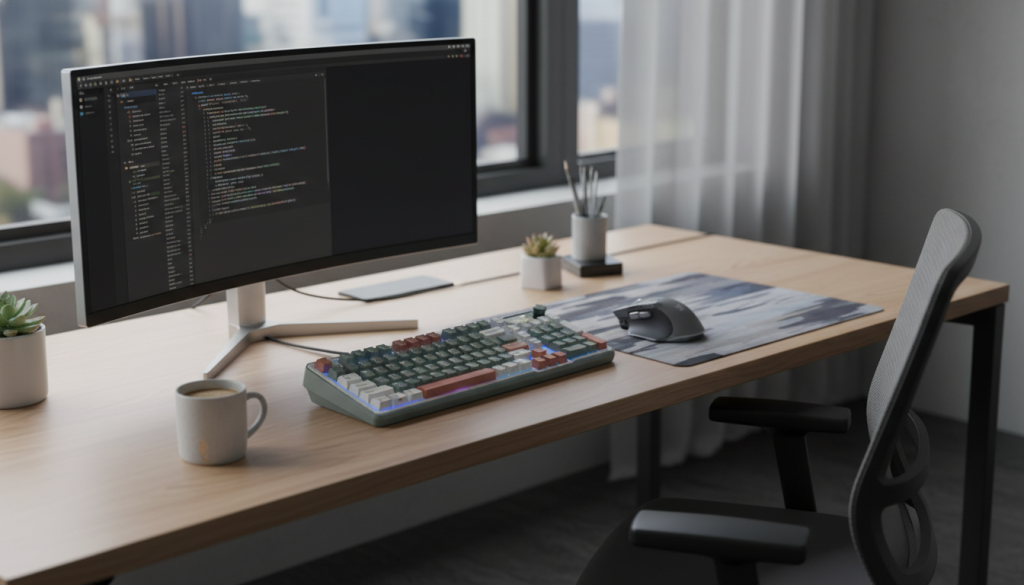
3) RK Royal Kludge S98 (96% Wireless, Smart Display + Knob, Hot-Swap)
What it’s like
This layout is office-perfect: you get almost full-size functionality in a tighter footprint. The smart display + knob is genuinely useful for volume, brightness, and quick controls, and hot-swap lets you go quiet without buying a whole new board.
Standout features
- 96% layout (compact but still very practical)
- Wireless with multiple connection modes
- Smart display + knob
- Hot-swappable and “creamy sounding” potential with the right setup
Pros
- Best desk-space efficiency while keeping productivity keys
- Easy to tune quieter over time
- Looks modern and clean without screaming “gamer”
Cons
- Display/knob adds complexity (some people just want simple)
- 96% layouts can feel slightly tighter (key spacing/placement is close)
✅ Best “modern office” pick: RK S98 if you want compact productivity with premium features.
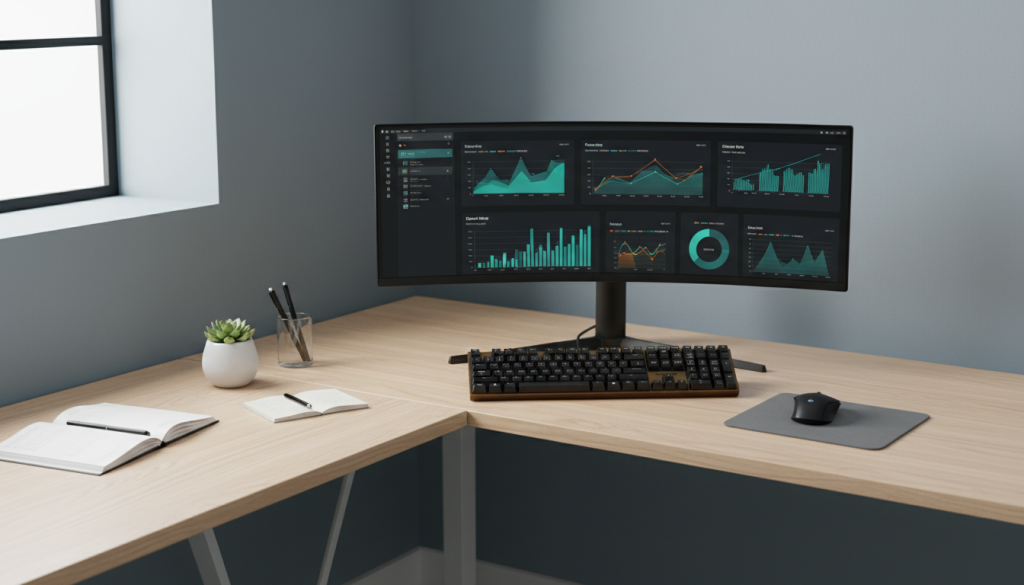
4) Cherry KC 200 MX (Mechanical Office Keyboard, Clean Look)
What it’s like
This is the most “office-first” keyboard here. Cherry tends to keep things professional: simple design, practical layout, and a typing feel that’s meant for long workdays.
Standout features
- Office-focused design and layout
- Typically consistent build quality
- Often available with quieter switch options (varies by listing)
Pros
- Most professional look for a workplace desk
- Built for reliability and daily typing
- Less “extra stuff,” more “work tool”
Cons
- Less customizable than hot-swap boards
- Not as feature-rich (no screen/knob, no fancy wireless modes depending on variant)
✅ Best overall office choice: Cherry KC 200 MX — clean, reliable, low-drama.
Comparison: which is best for office work?
If you want the most professional, no-nonsense pick:
Cherry KC 200 MX — best “work keyboard” vibe and easiest to live with.
If you want modern features without losing a clean look:
RK Royal Kludge S98 — compact productivity layout + display/knob + wireless.
If you need full-size + numpad + long battery:
COROBOO K108 Pro — best fit for spreadsheets and heavy number work.
If you want an aesthetic desk setup and hot-swap flexibility:
RedThunder K95 — feature-rich and easy to tune quieter later.
How to make any mechanical keyboard office-quiet (honest tips)
- Choose silent switches (silent linear is usually the safest for offices)
- Add o-rings only if you like softer bottom-out (not everyone does)
- A desk mat reduces desk echo a lot
- Stabilizer tuning matters more than people think (spacebar noise is the #1 complaint)
Final verdict (optimal choice)
✅ Optimal pick for most office workers: Cherry KC 200 MX — clean look, reliable feel, and least likely to annoy your coworkers.
If you want a more modern setup with wireless + controls: RK Royal Kludge S98 is the best “feature upgrade” option.