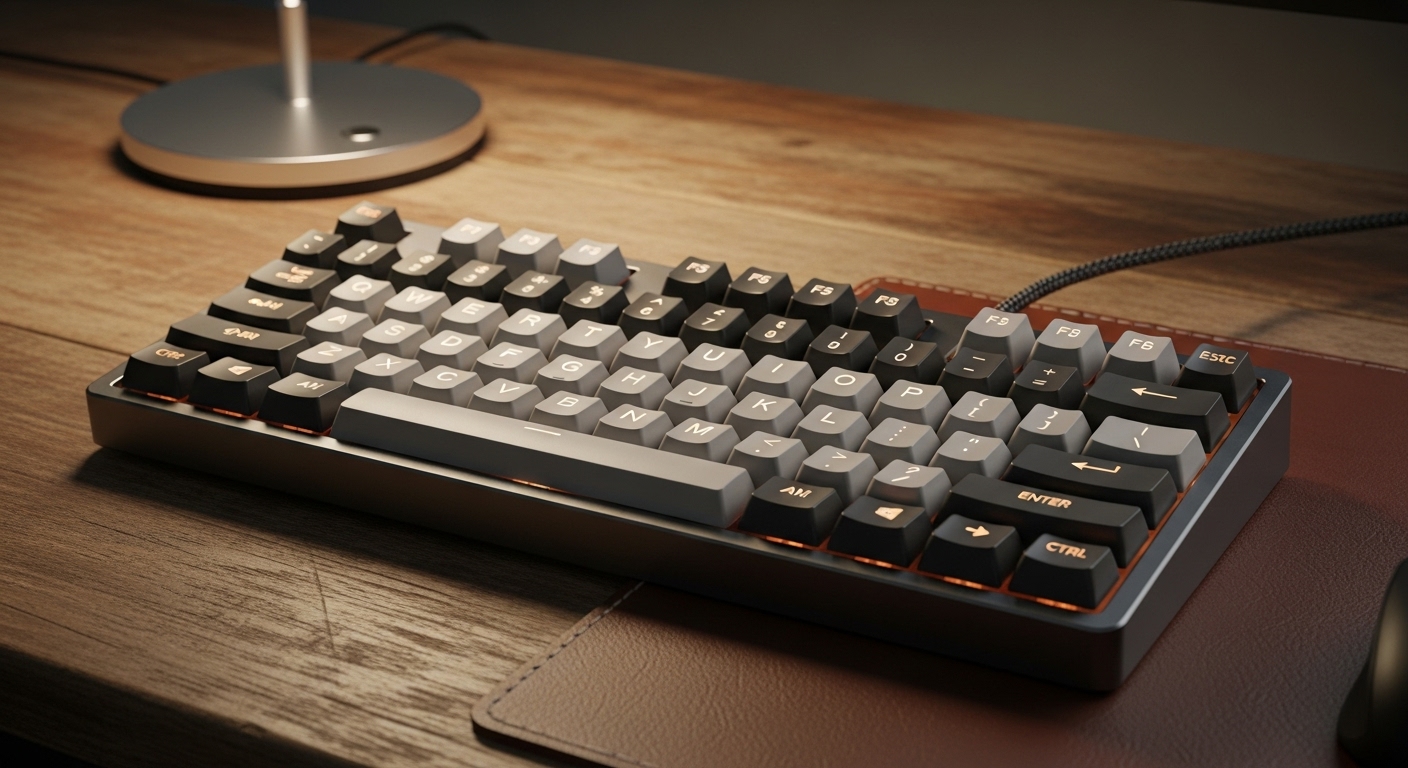
A great mechanical keyboard doesn’t just sound good—it feels solid on every press.
If your spacebar rattles, your Enter key wobbles, or your board feels “hollow,” better stabilizers (and a hot-swap setup you can tune) make a bigger difference than most people expect.
Affiliate disclosure: As an Amazon Associate, I may earn from qualifying purchases (at no extra cost to you).
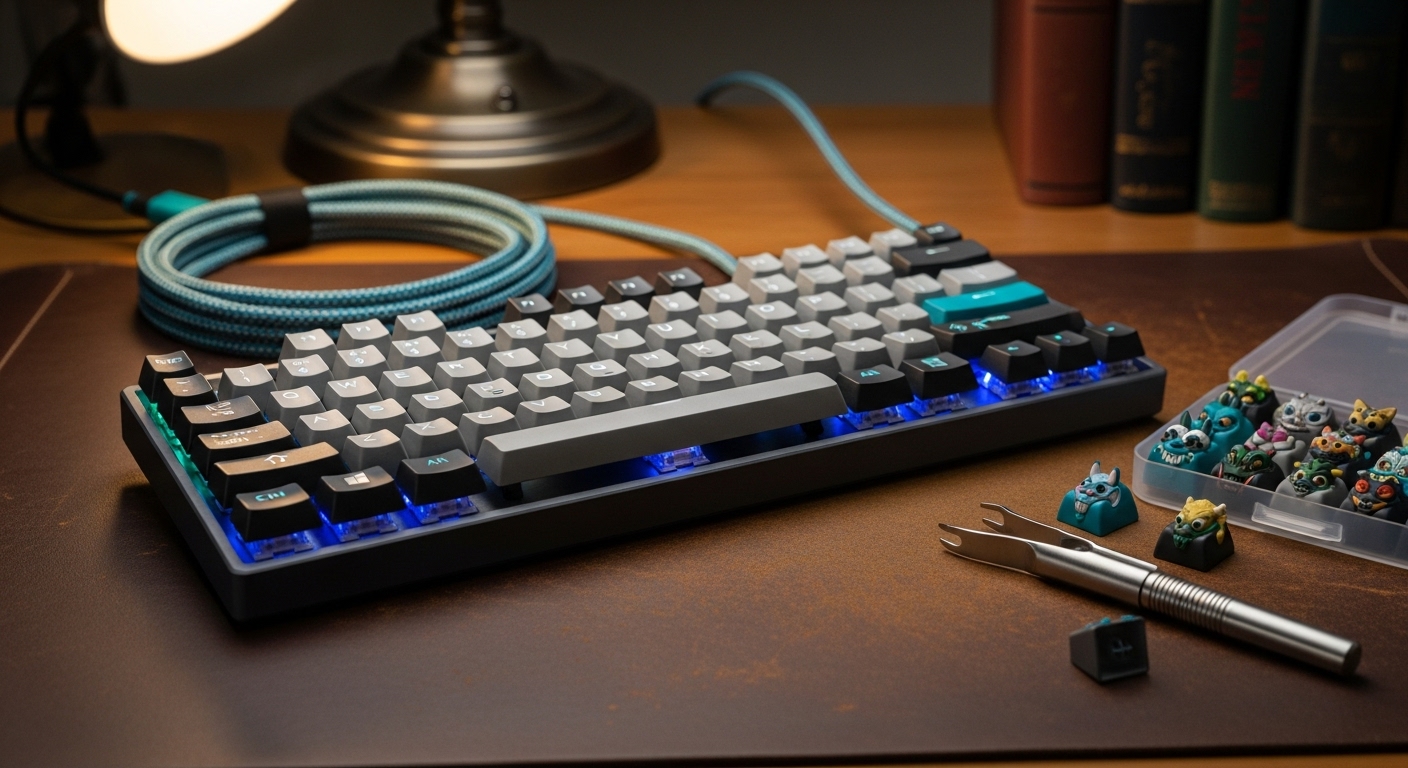
Why hot-swap + stabilizers matter (the real upgrade)
- Hot-swappable sockets let you change switches without soldering—easy to customize sound/feel later.
- Stabilizers control big keys (Space/Enter/Shift/Backspace). Good stabs = less rattle, less wobble, more premium feel.
- Even a “budget” board can feel high-end with decent stabilizers (and basic tuning like lubing/clipping where applicable).
Quick picks (best choice for most people)
- Best Overall: Keychron Q3 HE (TKL) — premium feel + great layout + fast response features
- Best for Productivity (numpad): Keychron Q6 Max — full-size + knob + deep programmability
- Best Budget Hot-Swap Starter: RK Royal Kludge RK61 — cheapest way to start customizing
- Best Full-Size Wireless Value: Keychron K10 — practical daily driver
- Best Ergonomic Layout for Desk Flow: RK Royal Kludge L98 (Southpaw) — numpad without pushing your mouse far away
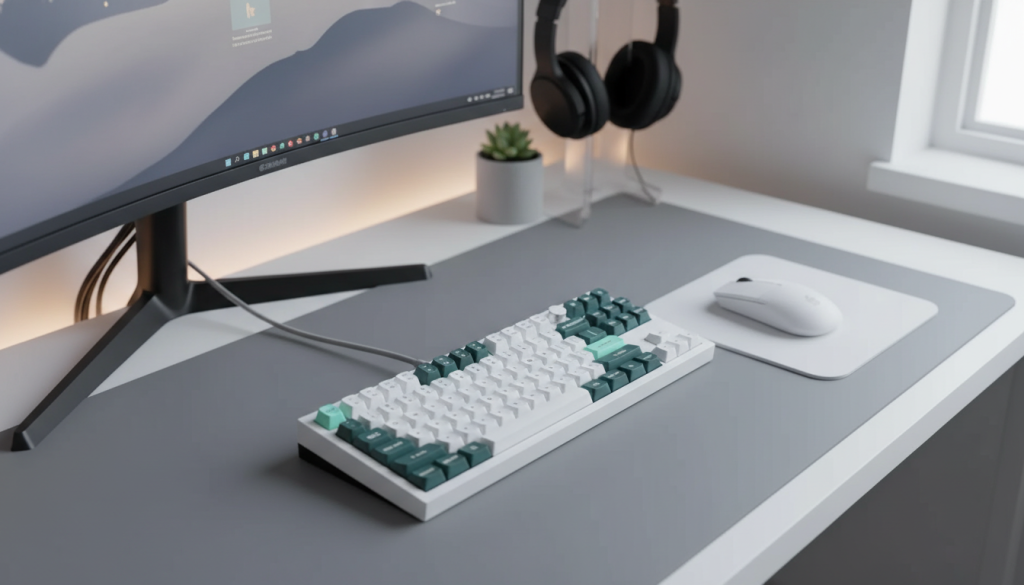
1) Keychron Q3 HE (Wireless TKL, QMK, Rapid Trigger)
What it’s like
This is the premium pick for people who want a keyboard that feels “tight” and responsive—without going full-size. The TKL layout keeps function keys and arrows (great for work) while saving desk space.
Standout features
- TKL (80%) layout: best balance of compact + functional
- Wireless options: great for cleaner setups (and still flexible)
- QMK support: deep remapping, layers, and macros
- Rapid Trigger-style responsiveness: built for faster input feel
Pros
- Premium typing feel potential (especially once stabilizers are tuned)
- Best layout for most users: arrows + function row without the numpad bulk
- Excellent long-term customization via QMK
Cons
- Higher price than “basic” hot-swap boards
- QMK is powerful, but takes a little learning if you’ve never used it
Best for: One-keyboard-does-everything users (work + gaming) who want premium feel.
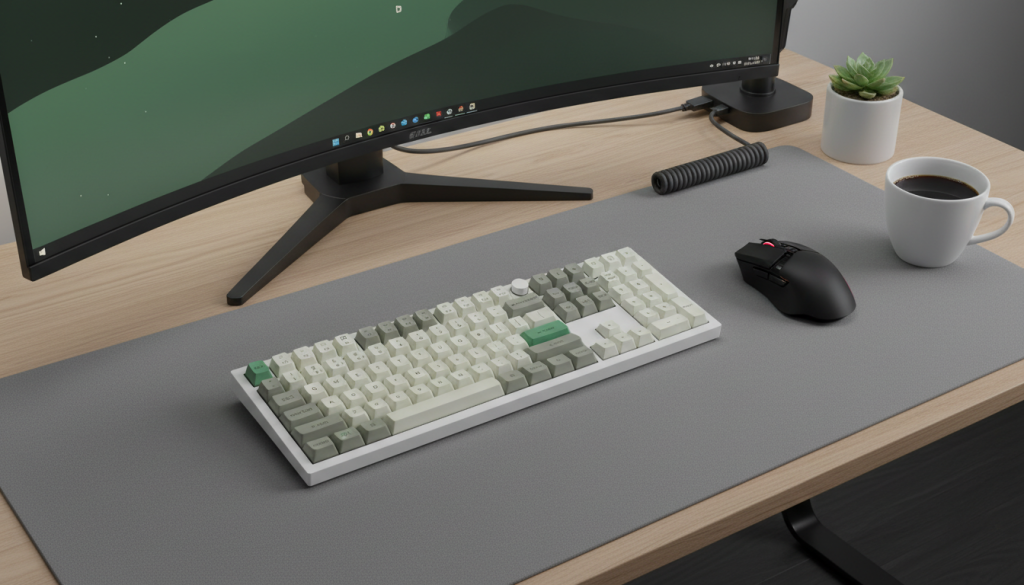
2) Keychron Q6 Max (Full-Size, QMK/VIA, Wireless, Knob)
What it’s like
If you use spreadsheets, accounting software, data entry, or anything numpad-heavy, full-size is still king. The Q6 Max is built for productivity and customization, and the knob becomes surprisingly useful day-to-day.
Standout features
- Full-size layout: fastest workflow for numbers and shortcuts
- QMK/VIA programmability: easy remaps and macros
- Knob control: volume, zoom, timeline scrubbing, brush size—whatever you map
- Multiple connection options: versatile for home + office setups
Pros
- Best productivity layout here (especially if you actually use a numpad)
- Knob is a genuine quality-of-life upgrade
- Great platform for custom keymaps and workflow layers
Cons
- Big footprint (less mouse space)
- Overkill if you don’t need a numpad
Best for: Full-size fans and spreadsheet power users who want a premium programmable board.
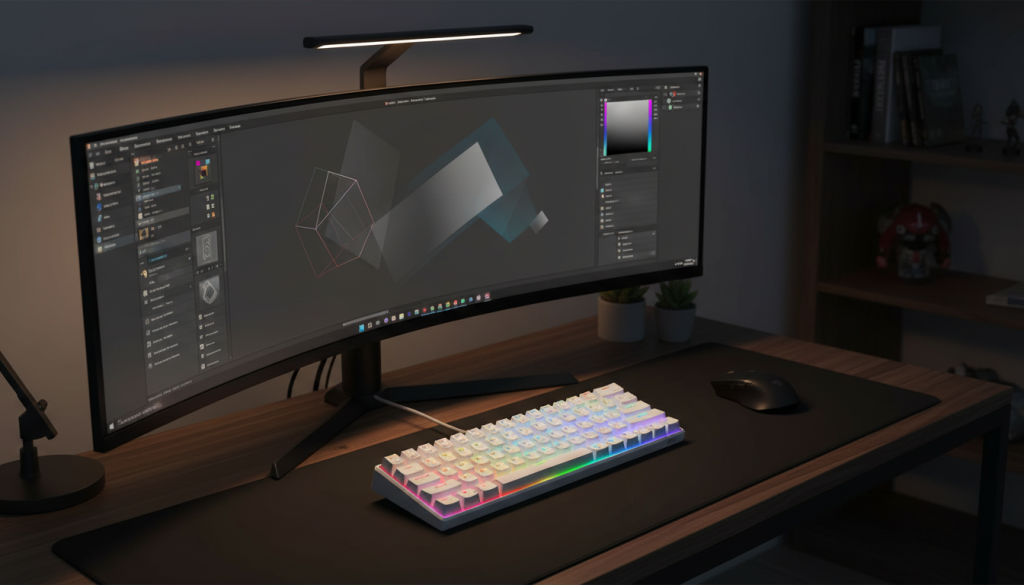
3) RK Royal Kludge RK61 (60% Hot-Swappable, Budget-Friendly)
What it’s like
This is a classic starter keyboard: compact, affordable, and hot-swappable so you can experiment with switches without committing to a pricey board. The 60% layout is clean—but you’ll rely on layers for arrows and function keys.
Standout features
- 60% compact layout: minimalist desk setup, more mouse room
- Hot-swappable: easy switch upgrades later
- RGB + wired simplicity: plug in and go
Pros
- Best entry point to hot-swap customization on a budget
- Small footprint looks great on any desk
- Easy to improve sound/feel with basic mods over time
Cons
- No dedicated arrow keys (learning curve if you use arrows a lot)
- Stabilizers on budget boards can be rattlier out of the box (often fixable)
Best for: Budget buyers who want to try mechanical keyboards and learn customization.
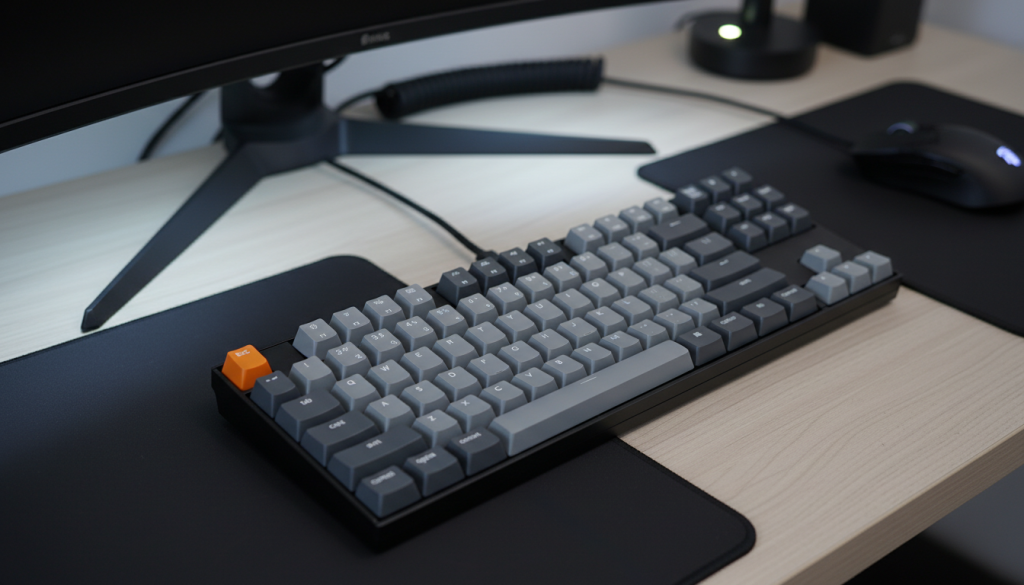
4) Keychron K10 (Full-Size, Wireless, Hot-Swappable)
What it’s like
This is the practical full-size pick: comfortable layout, wireless convenience, and hot-swap flexibility for future upgrades. It’s the kind of board you can use daily without turning your desk into a “keyboard hobby project.”
Standout features
- Full-size layout: familiar and easy for everyday use
- Wireless + wired flexibility: good for multi-device setups
- Hot-swappable: upgrade switches later without replacing the board
Pros
- Easy recommendation for home/office users who want full-size
- Customization-friendly without being overwhelming
- Solid value for a daily driver
Cons
- Full-size can feel bulky on smaller desks
- Wireless stability depends on your environment and connection mode (common for any wireless board)
Best for: Anyone who wants a comfortable full-size keyboard with easy customization.
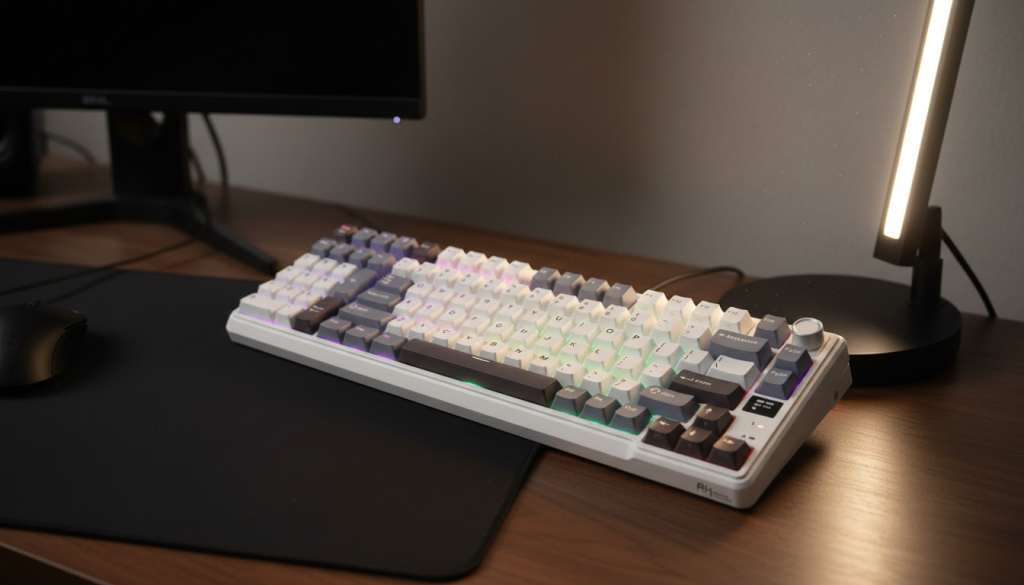
5) RK Royal Kludge L98 (95% Wireless, Southpaw Numpad, Hot-Swap + Knob)
What it’s like
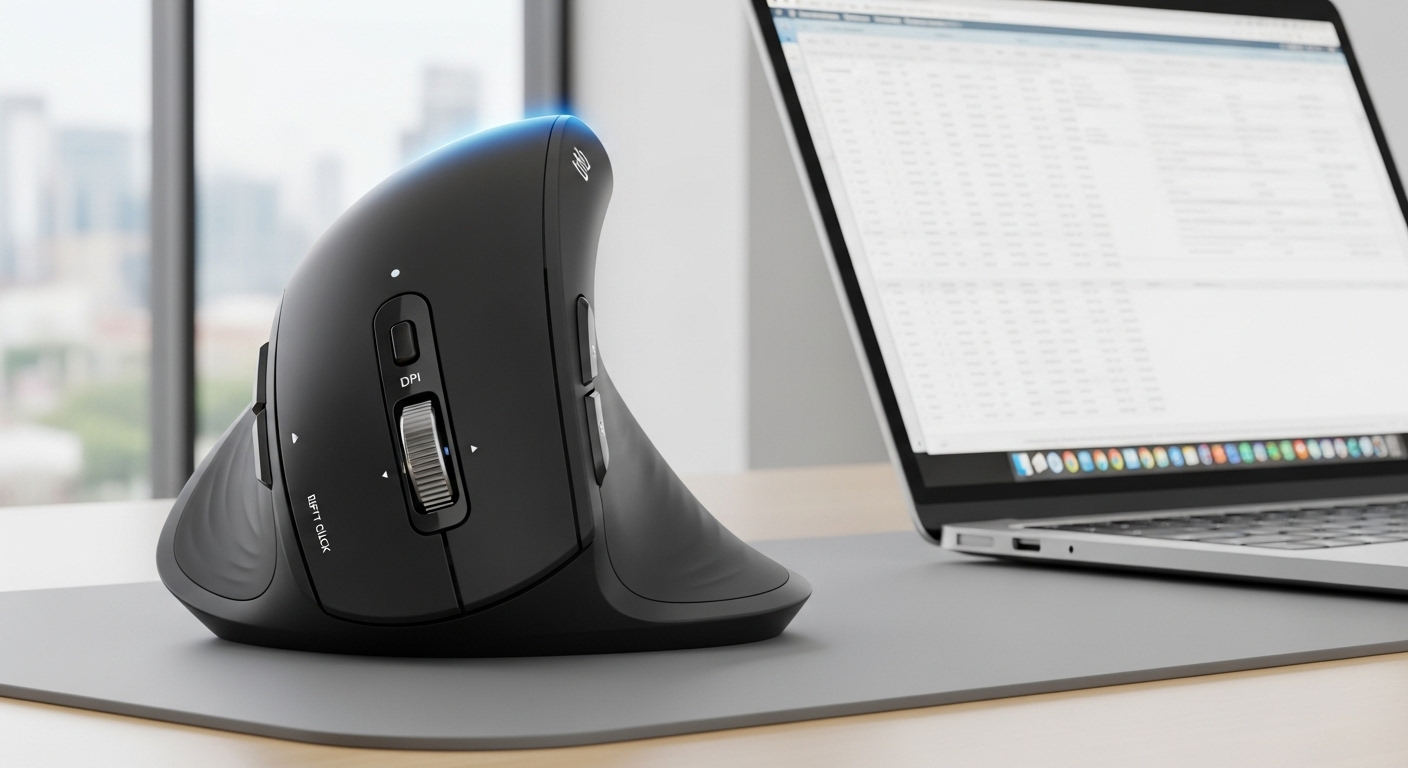
This layout is the sleeper hit for comfort. With a left-side (southpaw) numpad, you keep your mouse closer on the right—meaning less shoulder reach and a more natural desk posture if you do numbers and mouse work all day.
Standout features
- 95% layout: nearly full-size function, tighter footprint
- Southpaw numpad: better desk flow for many right-handed mouse users
- Tri-mode connectivity: flexible for laptop/desktop switching
- Hot-swappable + knob: easy customization and handy control
Pros
- Best “desk ergonomics” layout in this list if you need a numpad
- Great feature set for the price category
- Hot-swap makes it easy to tune feel/sound later
Cons
- Southpaw numpad takes a few days to retrain muscle memory
- Non-standard layout can make keycap matching slightly trickier (not a dealbreaker)
Best for: People who need a numpad but also want a more comfortable mouse position.
Head-to-head comparison (what to buy based on your needs)
If you want the best overall experience
✅ Keychron Q3 HE (TKL) — best balance of layout, premium feel potential, and responsiveness.
If you live in spreadsheets or use numpad constantly
✅ Keychron Q6 Max — full-size productivity powerhouse.
If you want the smartest “work + comfort” layout
✅ RK L98 (Southpaw) — keeps mouse closer while still giving you numpad speed.
If you want the best budget hot-swap starter
✅ RK61 — cheapest path into switch swapping and basic mods.
If you want a practical full-size daily driver
✅ Keychron K10 — full layout + wireless convenience + hot-swap flexibility.
Honest tips to get “better stabilizers” results (without going deep into the hobby)
- Spacebar rattle fix (easy): a tiny stabilizer tune (lube or band-aid mod depending on board/stab type) makes a huge difference.
- Keycap quality matters: thicker caps often reduce hollow sound and improve feel.
- Switch choice changes everything: linears feel smooth, tactiles feel snappy, clickies are loud—pick for your environment.
FAQ (SEO-friendly)
Are hot-swappable keyboards worth it?
Yes—hot-swap makes your keyboard future-proof. You can change the feel later without buying a whole new board.
What stabilizers should feel like on a good board?
Big keys should feel solid and consistent—no loud ticking, no side-to-side wobble, no “rattle” on the spacebar.
TKL vs full-size vs 60%—which is best?
TKL is the best “one-size-fits-most.” Full-size is best for heavy numpad use. 60% is best for minimal desks and aesthetics (but requires layers).
Final verdict (the optimal choice)
If you want one keyboard that most people will genuinely enjoy—great layout, great long-term customization, premium feel potential:
✅ Optimal pick: Keychron Q3 HE (TKL)
If your priority is productivity + comfort (especially with lots of mouse work) and you still need a numpad:
✅ Alternative optimal pick: RK L98 (Southpaw 95%)