If your mouse is loud enough to annoy your coworkers (or your own brain), it’s time to upgrade.
These picks focus on quiet clicks, easy switching between devices, and real-life comfort for daily work.
Affiliate note: As an Amazon Associate, I may earn from qualifying purchases (at no extra cost to you).
Quick take: Best overall
Best Overall: Logitech Signature M550 — the most “set it and forget it” option for comfort + quiet + reliability.
Best for 3 devices: HP 420 — strong multi-device switching and handy programmability.
Best value (rechargeable): Arteck Multi-Device — solid basics with quiet clicks for the price.
What I looked for (so you don’t waste money)
- Quiet clicks that still feel crisp (not mushy)
- Multi-device pairing (Bluetooth + easy switching, or Bluetooth + USB dongle)
- Comfort over long sessions (shape, grip, weight)
- Scrolling experience (smooth, precise, or “free-spin” for long pages)
- Battery life & convenience (AA longevity vs rechargeable simplicity)
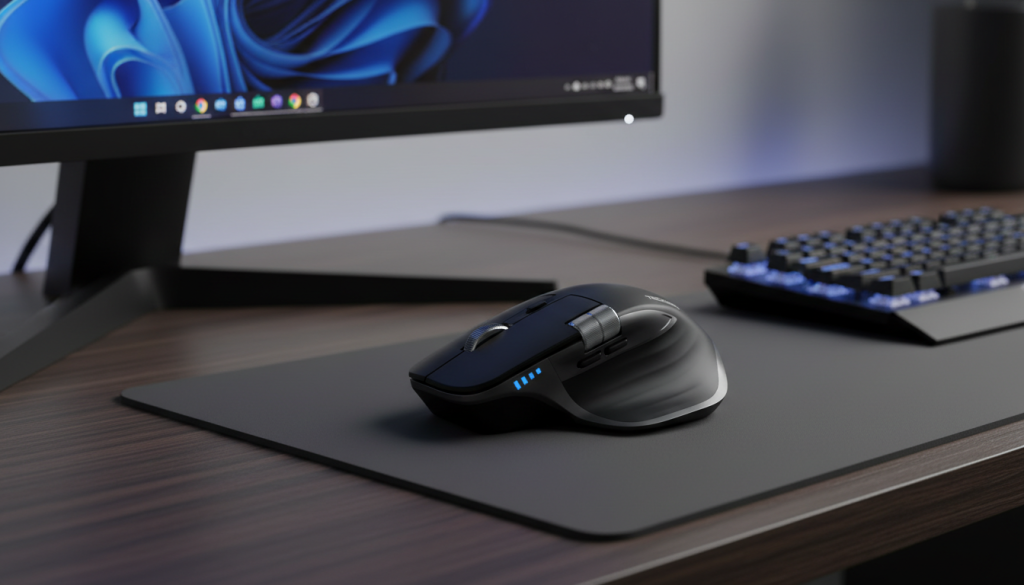
1) TECKNET Multi-Mode Ergonomic Wireless Mouse (Rechargeable)
What it’s like
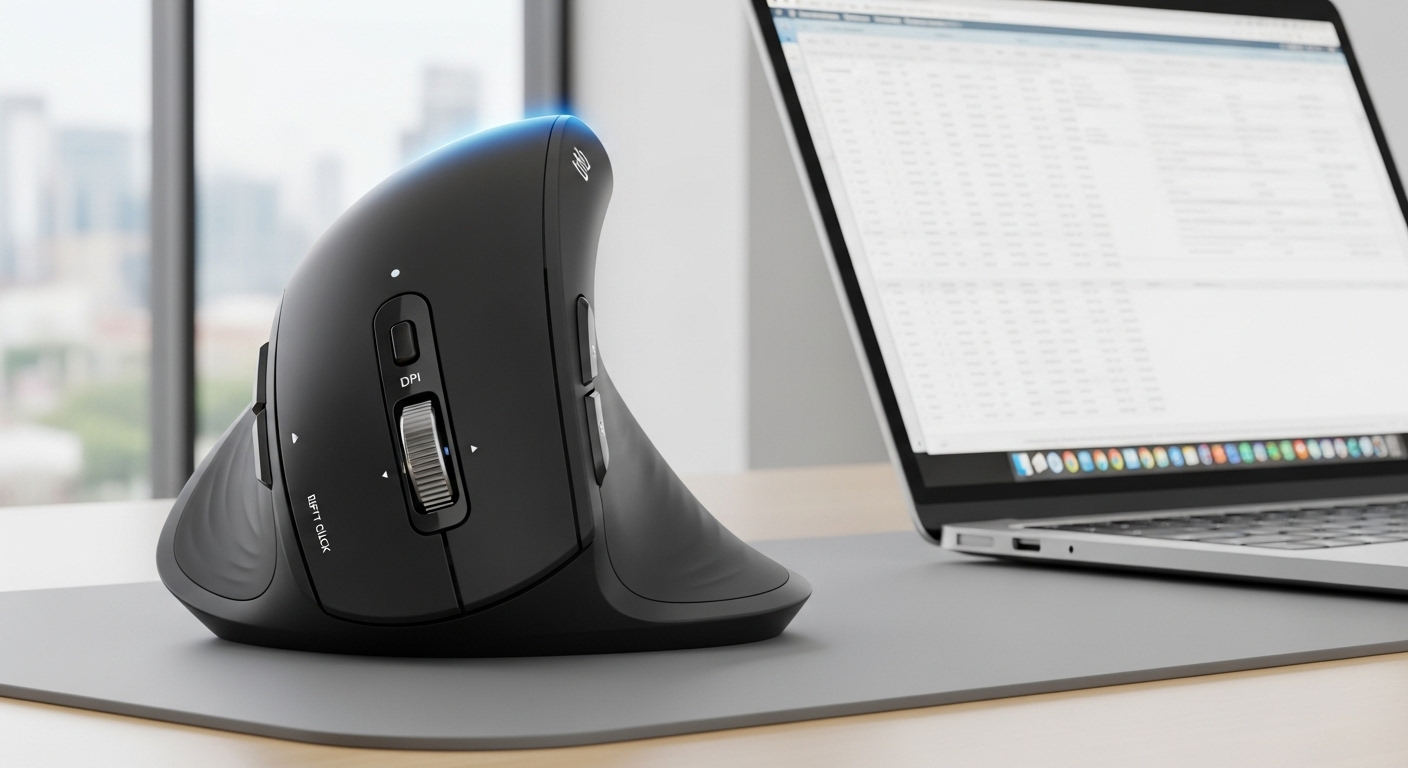
A right-hand ergonomic mouse that goes heavy on features for the price: Bluetooth + 2.4G USB receiver, multiple DPI steps, and extra buttons. Great if you want a “do-it-all” mouse without paying premium-brand prices.
Standout features
- Multi-mode connection: Bluetooth + 2.4G dongle (handy if one device hates Bluetooth)
- Adjustable DPI up to 4800 (useful for big monitors)
- Extra buttons for back/forward and shortcuts
- Rechargeable so you’re not constantly buying batteries
Pros
- Feature-packed for the money
- Comfortable for palm grip (especially medium/large hands)
- Quiet clicks are noticeably softer than typical office mice
Cons
- Ergonomic shapes are “love it or return it”
- Extra buttons can feel easy to bump at first
- Long-term durability can vary more on budget brands
Best for: Value hunters who want Bluetooth + dongle flexibility and a more ergonomic shape.
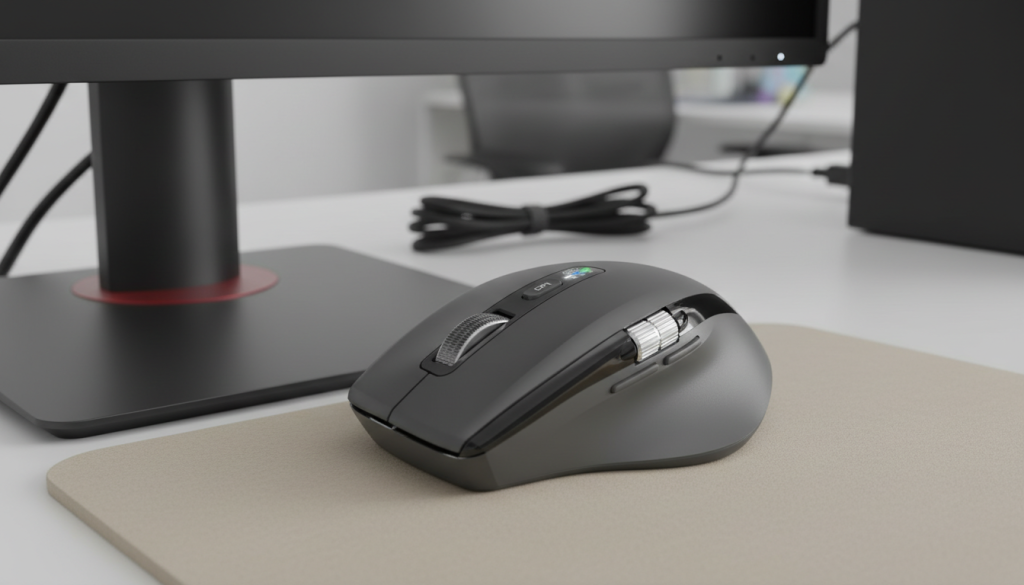
2) INFINIMIND Wireless Side Scroll Mouse (Smart “Flying” Scroll)
What it’s like
This one is built for people who scroll a lot—spreadsheets, long docs, web research. The “smart flying scroll” style wheel is aimed at fast, effortless scrolling, plus you get multi-device convenience.
Standout features
- Fast scrolling mode (great for long pages)
- Side scroll support (nice for wide spreadsheets/timelines)
- Multi-device pairing for switching between laptop/tablet setups
- Quiet click design for shared spaces
Pros
- Scrolling is the main win—quick and satisfying
- Great for office work and spreadsheet-heavy tasks
- Comfortable “everyday” shape for many hand sizes
Cons
- If you prefer precise, tight scroll steps, fast-scroll mice can feel “floaty”
- Side scroll is useful, but not everyone needs it
- Brand support may not match Logitech-level consistency
Best for: Spreadsheet users and anyone who lives on long pages and wants faster scrolling.
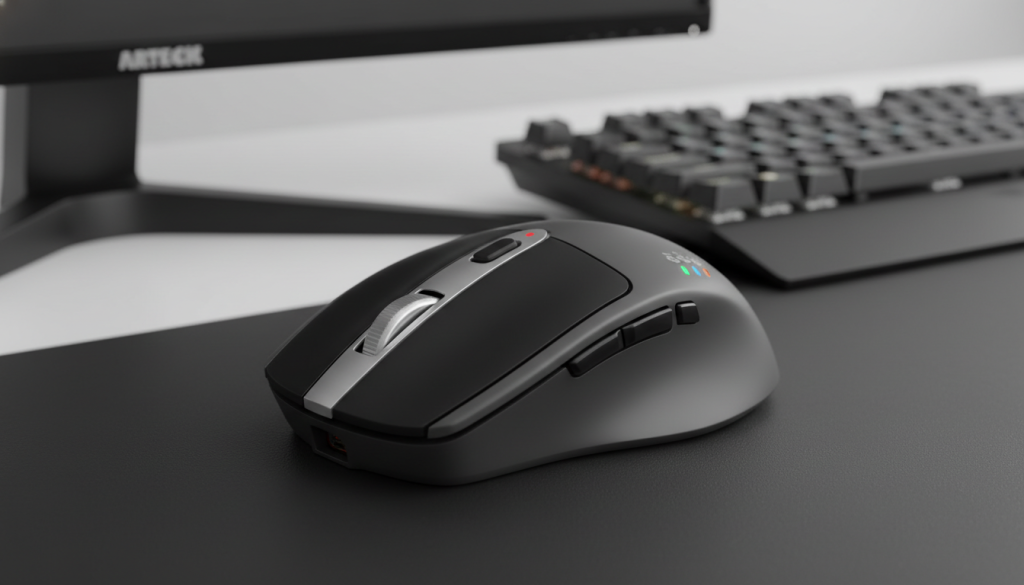
3) Arteck Multi-Device Bluetooth Mouse (Rechargeable, Silent Clicking)
What it’s like
A straightforward multi-device Bluetooth mouse with silent clicks and a rechargeable battery. It’s the kind of mouse you buy when you want comfort + quiet and don’t want to overthink it.
Standout features
- Multi-device Bluetooth switching (simple desk setup upgrade)
- Silent clicking that’s genuinely office-friendly
- Rechargeable battery built in
Pros
- Strong “best bang for the buck” vibe
- Quiet clicks without feeling completely mushy
- Simple, travel-friendly option
Cons
- Sensor performance is fine for work, not a “pro gamer” pick
- Button feel is basic
- Not as premium-feeling as top brands
Best for: Budget-friendly quiet office use and simple multi-device switching.
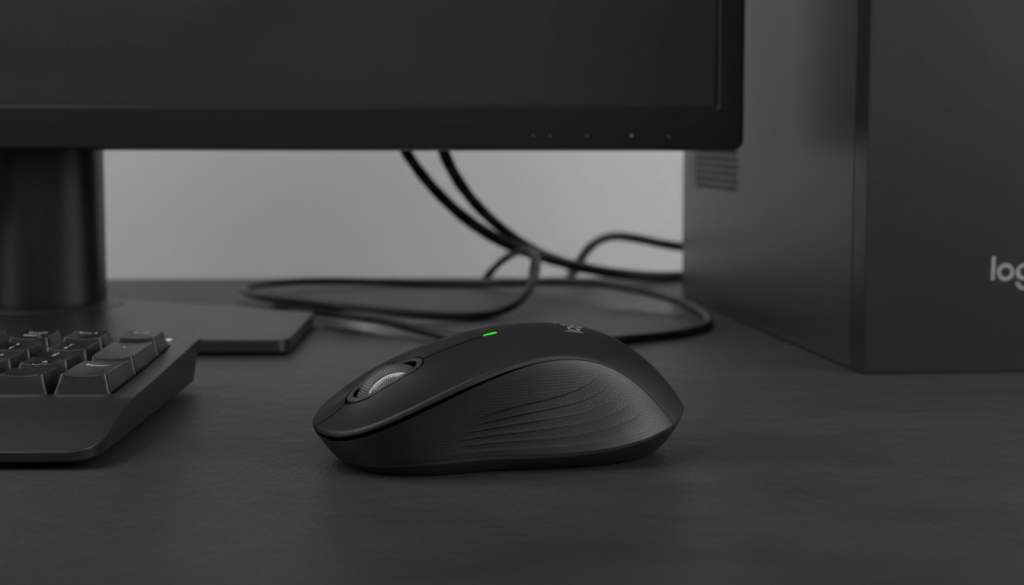
4) Logitech Signature M550 (Silent Clicks, Small–Medium Hands)
What it’s like
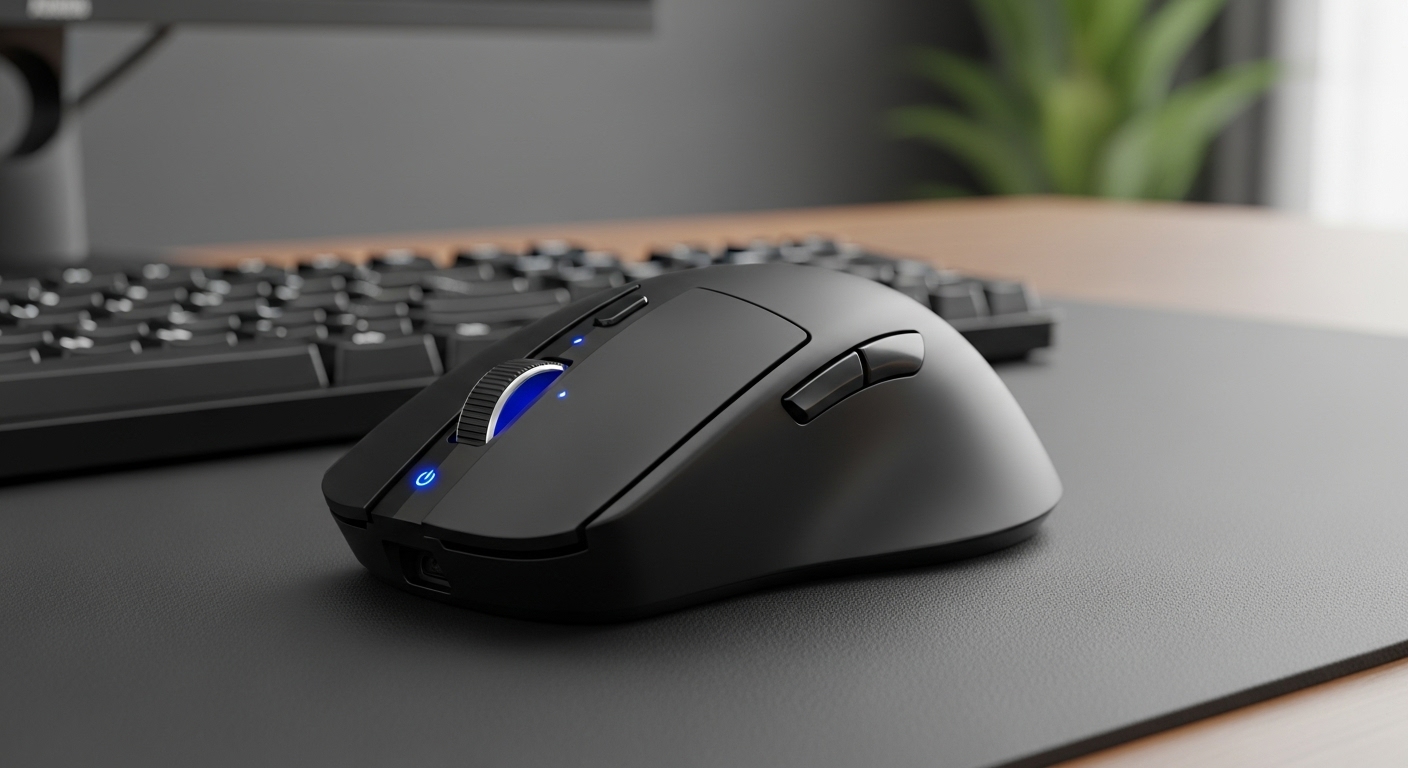
This is the safe recommendation—the mouse most people will be happy with. Logitech tends to nail the boring-but-important stuff: consistent clicks, solid tracking, and comfort that doesn’t annoy you after hour three.
Standout features
- Silent clicks that still feel crisp
- Great shape for small-to-medium hands (less hand fatigue for many users)
- Long battery life (the “I forgot it uses batteries” kind)
- Reliable wireless stability for work setups
Pros
- Most consistent overall experience
- Quiet clicks are excellent for shared rooms
- Comfort and build feel better than many budget options
Cons
- If you want rechargeable only, this isn’t it
- Fewer “extra features” than some multi-button budget picks
- Not ideal if you strongly prefer a tall ergonomic hump
Best for: Most people who want a quiet, dependable daily driver.
✅ My overall pick: Logitech Signature M550 (best balance of comfort, quietness, and reliability).
5) HP 420 Programmable Bluetooth Mouse (Swift Pair, 3 Devices)
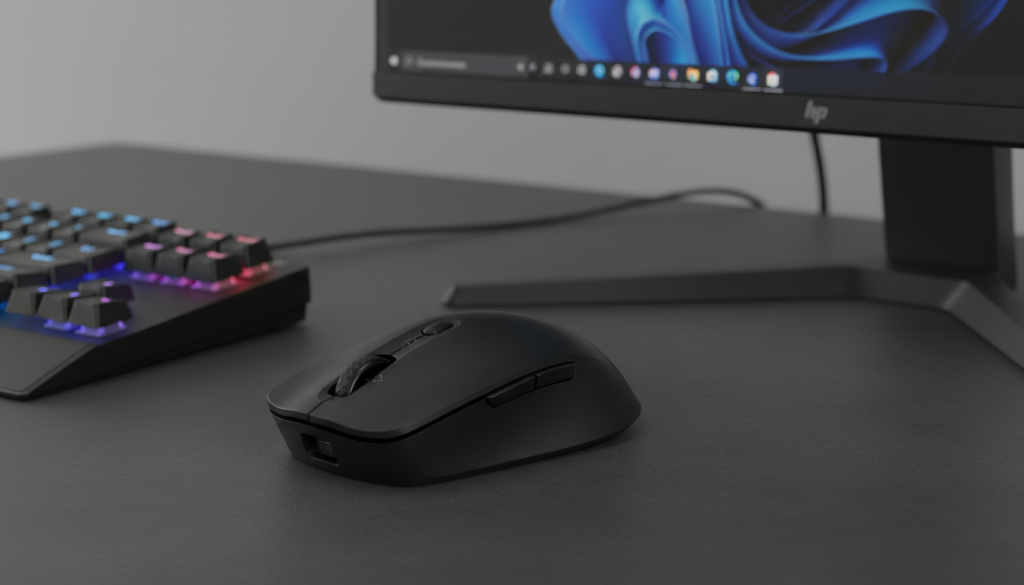
What it’s like
If your day is split between work laptop + personal laptop + tablet, this is the most “multi-device-first” option in the list. It’s built around quick pairing and programmable controls.
Standout features
- Pairs with up to 3 devices (great for multi-device desks)
- Programmable buttons for productivity shortcuts
- Long battery life (set-and-forget style)
- Up to 4000 DPI for higher-res screens
Pros
- Best device switching vibe here
- Programmability is useful for work flows (copy/paste, browser tabs, app switching)
- Clean, professional design
Cons
- If you hate Bluetooth quirks, a dongle option can be simpler
- Shape is more “office neutral” than truly ergonomic
- Software features vary by OS and setup
Best for: Multi-device users who want 3-device pairing + productivity shortcuts.
Which one should you buy?
Choose Logitech Signature M550 if…
You want the most reliable quiet mouse for everyday work, with a comfortable shape and no surprises.
Choose HP 420 if…
You truly switch between 3 devices often and want programmable buttons to speed up work.
Choose TECKNET if…
You want Bluetooth + 2.4G dongle flexibility and an ergonomic shape at a lower price.
Choose INFINIMIND if…
Scrolling is your life (docs, web research, spreadsheets) and you want a fast-scroll experience.
Choose Arteck if…
You want a simple, quiet, rechargeable mouse that’s easy to recommend on a tight budget.
Honest buying tips (quick)
- Bluetooth vs USB receiver: Bluetooth is clean (no dongle), but a receiver can be more plug-and-play on some PCs.
- Quiet clicks vary: The best ones are quiet and still tactile—super cheap silent switches can feel soft.
- Hand size matters: If you have larger hands, consider TECKNET-style ergonomic shapes; if small/medium, the M550 shape is usually easier.