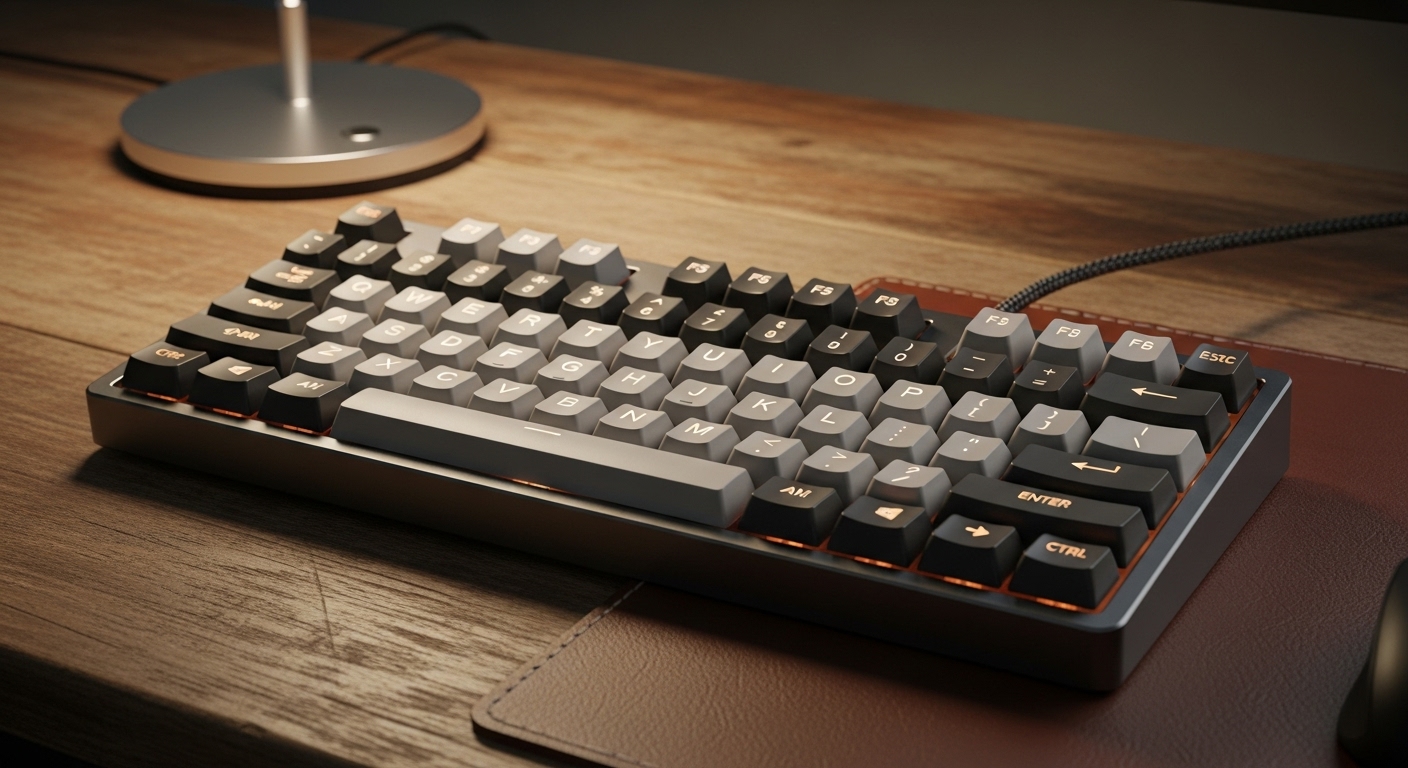
A compact keyboard is one of the easiest desk upgrades you can make. You instantly get more mouse room, a cleaner setup, and less shoulder reach—especially if your desk is tight.
The trick is picking a compact layout that still feels “full function” for real life (work, school, gaming, late-night browsing).
Affiliate disclosure: As an Amazon Associate, I may earn from qualifying purchases (at no extra cost to you).
Quick answer: which layout should you pick?
- 60% / 65% (around 68 keys): best for maximum space saving, but you’ll use layers for F-keys and some navigation.
- 75%: best “small but practical” layout—keeps arrows and a function row in a compact footprint.
✅ Optimal choice for most people with small desks: 75% layout (it’s the best balance of compact + convenient).
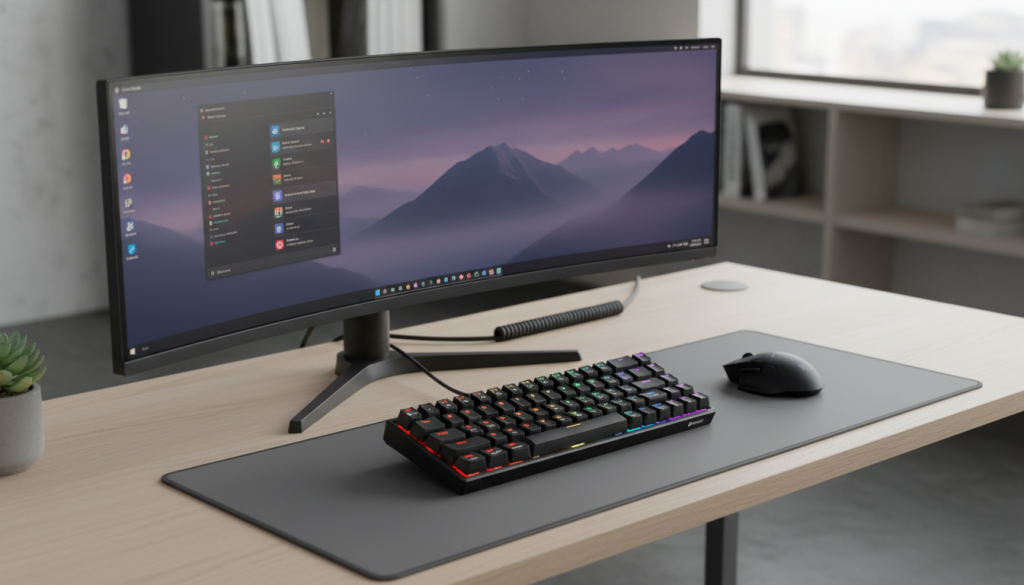
1) KOORUI 60% Mechanical Gaming Keyboard (68 Keys, Wired)
What it’s like
A budget-friendly compact board that’s meant to be simple: plug in, RGB on, and you’re gaming or typing. The 68-key style gives you more functionality than pure 60% while staying tiny.
Standout features
- Ultra-compact 68-key layout (more desk room instantly)
- Wired connection (stable, no battery)
- Backlighting for visibility
Pros
- Great for small desks and tight setups
- Wired = low hassle and stable
- Usually easy to get used to if you’ve used laptops
Cons
- Compact layouts rely on shortcuts/layers for some keys
- Budget stabilizers can feel a bit rattly on big keys
- Key feel depends heavily on switch type (blue switches are louder)
Best for: Budget buyers who want a compact wired board for gaming and everyday use.
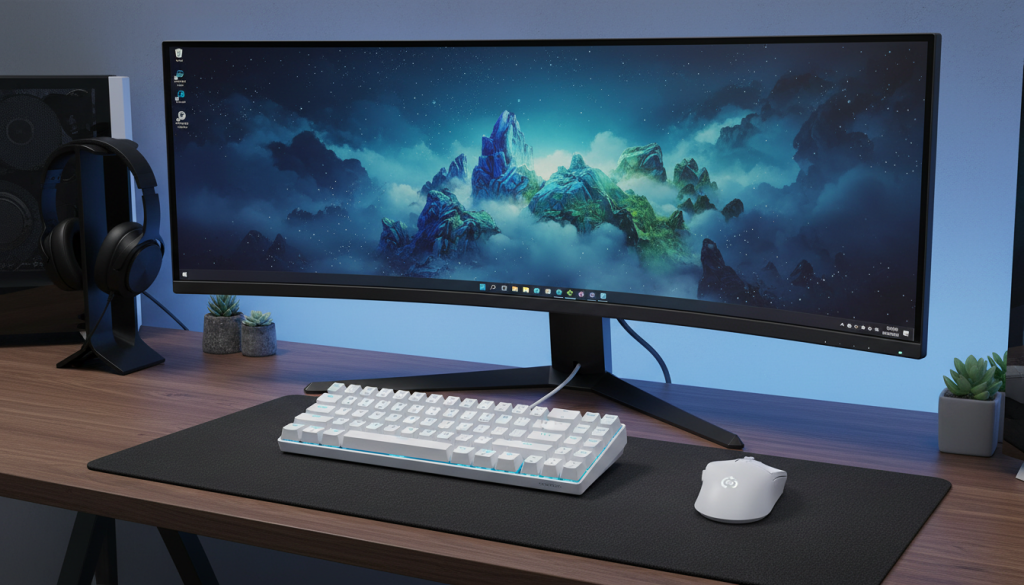
2) DIERYA T68SE 60% Compact Mechanical Keyboard (68 Keys, Wired)
What it’s like
Another compact 68-key option, typically known for offering solid value with features like anti-ghosting for gaming. Good if you want a small keyboard that still feels reliable during fast keypresses.
Standout features
- 68-key compact layout
- Anti-ghosting (better for gaming inputs)
- Wired stability
Pros
- Strong “value compact gaming” choice
- Small footprint, more mouse space
- Often feels more consistent than no-name boards
Cons
- Still a compact layout—expect learning a few shortcuts
- If it uses clicky switches, it won’t be quiet in shared spaces
Best for: Small-desk gamers who want a compact layout and reliable key registration.
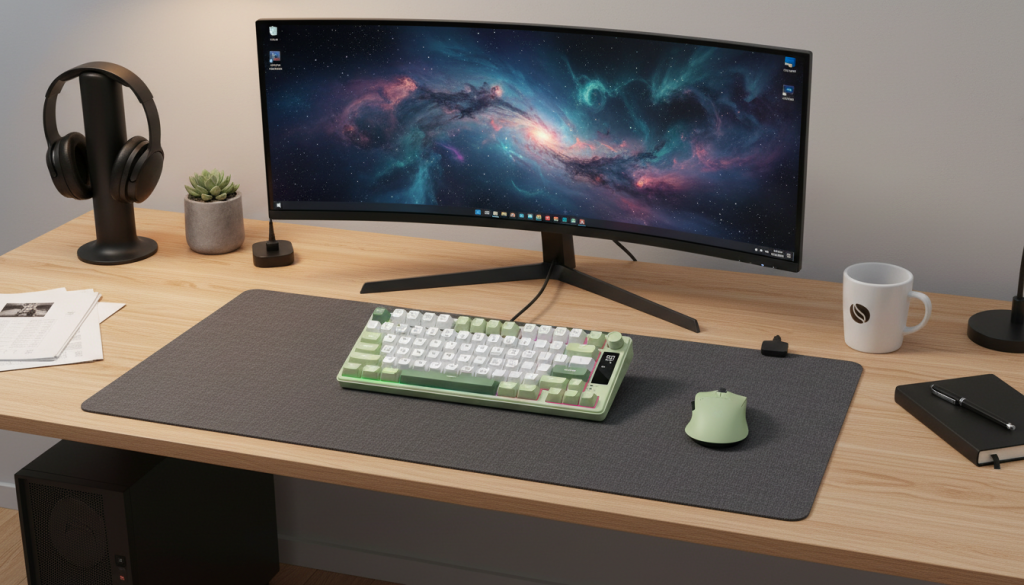
3) Womier DK75 75% Wireless Keyboard (Tri-Mode, OLED, Media Knob)
What it’s like
This is the “compact but full function” pick. A 75% layout is chef’s kiss on a small desk because you keep arrow keys + function row without the wide footprint of a full-size keyboard. The knob and screen are bonus convenience features.
Standout features
- 75% layout (small but practical)
- Tri-mode wireless (2.4GHz / Bluetooth / wired)
- Media knob + OLED for controls and quick info
Pros
- Best balance of compact + everyday usability
- Wireless options are great for clean setups
- Knob is genuinely useful (volume, scroll, zoom)
Cons
- Wireless boards need charging (unless you stay wired)
- Some people don’t care about OLED/screens (extra feature, not required)
✅ Best “small desk, full function” pick: Womier DK75 (75% convenience wins for most users).
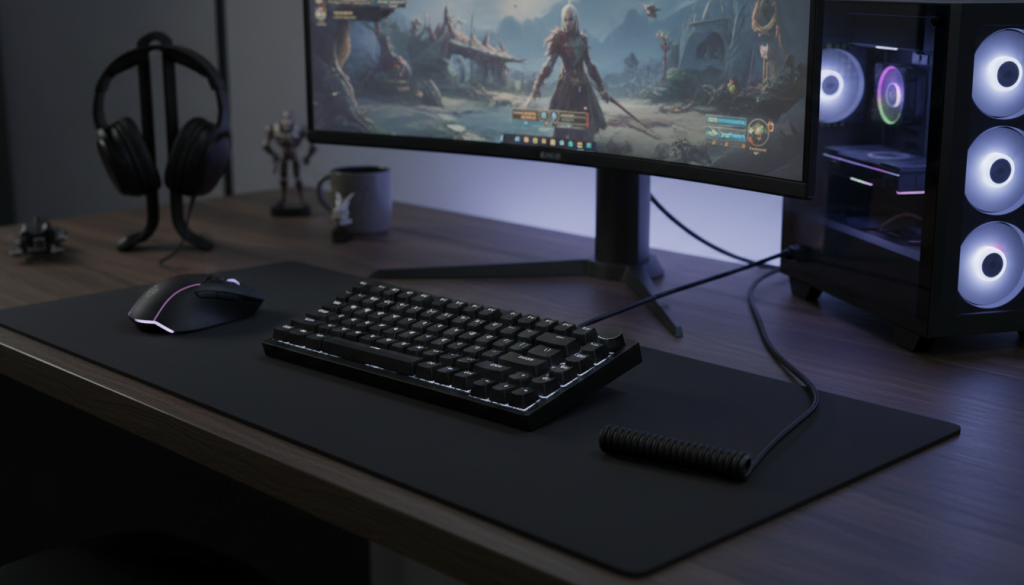
4) Attack Shark ajazz AK820 75% Hot-Swappable Mechanical Keyboard (Wired, Knob, Gasket + Foam)
What it’s like
A 75% wired board built for comfort and sound. The gasket + foam style build can make typing feel softer and reduce hollowness—exactly what you want when you’re typing for hours in a small space.
Standout features
- 75% layout with knob
- Hot-swappable switches (easy customization)
- Gasket-style build + multi-layer foam (helps reduce noise and ping)
- Wired for stability
Pros
- Great typing feel potential for the money
- Hot-swap is a big win if you like customizing later
- 75% layout = compact without being annoying
Cons
- Wired only (if you want wireless desk minimalism, look at tri-mode boards)
- Some compact boards have slightly tighter key spacing/placement (normal for 75%)
✅ Best value for “nice typing feel” in a compact layout: Attack Shark ajazz AK820.
Comparison: which one should you actually buy?
If you want the easiest compact keyboard to live with:
Pick a 75% — you keep arrows + function row, and it still saves a ton of space.
✅ Womier DK75 (wireless flexibility) or ✅ ajazz AK820 (typing feel + hot-swap)
If you want maximum desk space and don’t mind shortcuts:
Pick a 68-key (60%/65%)
✅ KOORUI or ✅ DIERYA T68SE
Honest pros & cons of compact keyboards (real user talk)
Why compact is awesome
- More room for your mouse = less shoulder strain
- Cleaner setup, especially on small desks
- Feels “faster” for gaming because your hands stay centered
What people don’t realize at first
- You’ll use Fn layers for F-keys, Delete/Home/End, etc. (easy after a week)
- If you pick clicky switches, compact keyboards can get loud fast
- Stabilizer rattle on Space/Enter is common on budget boards (usually fixable)
My optimal choice
If you want the most “space-saving but still practical” keyboard for a small desk:
✅ Optimal pick: a 75% layout (specifically the Womier DK75 for wireless + features, or ajazz AK820 for wired + hot-swap + better typing feel potential).