Wrist pain from a standard mouse is real—especially after long workdays.
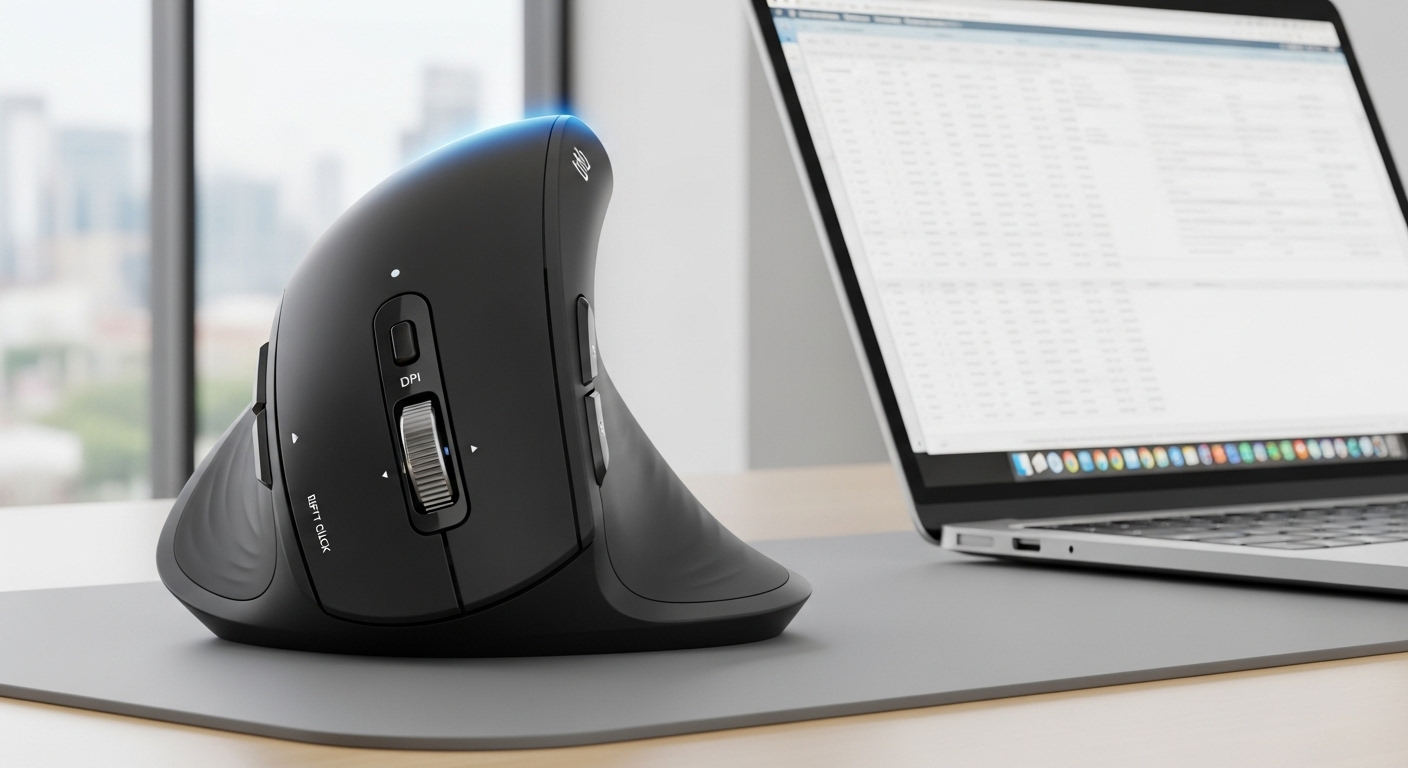
A good ergonomic mouse can help your hand sit in a more natural “handshake” angle, so you’re not constantly twisting your forearm.
Affiliate note: As an Amazon Associate, I may earn from qualifying purchases (at no extra cost to you). Also: this isn’t medical advice—if pain is persistent or severe, consider talking with a professional.
What to expect from an ergonomic mouse (honestly)
Ergonomic mice don’t “heal” your wrist overnight, but they often:
- Reduce forearm twist (pronation) that can trigger soreness
- Encourage a lighter grip (less death-clench)
- Feel more comfortable for long sessions once you adjust (usually 2–7 days)
My “best overall” pick from this list: ProtoArc EM11 NL (multi-device + rechargeable + premium comfort feel).
Best for value + features: TECKNET Bluetooth Vertical (high DPI, quiet clicks, dual-mode).
Best simple comfort pick: LEKVEY Vertical (Top Reviewed for Comfort) (straightforward, popular, easy to like).
Quick buying guide (before you pick)
1) Hand size matters: Many vertical mice are best for small/medium hands—if you’re large-handed, you may want a bigger body to avoid finger cramping.
2) Connectivity:
- 2.4GHz USB receiver = plug-and-play, stable
- Bluetooth = cleaner setup, great for laptops/tablets
- Multi-device = switch between work/personal devices without re-pairing
3) DPI range: Higher DPI helps on big monitors; lower DPI can feel more controlled for design work.
1) Lekvey Vertical Ergonomic Mouse (Rechargeable, Small/Medium Hands)
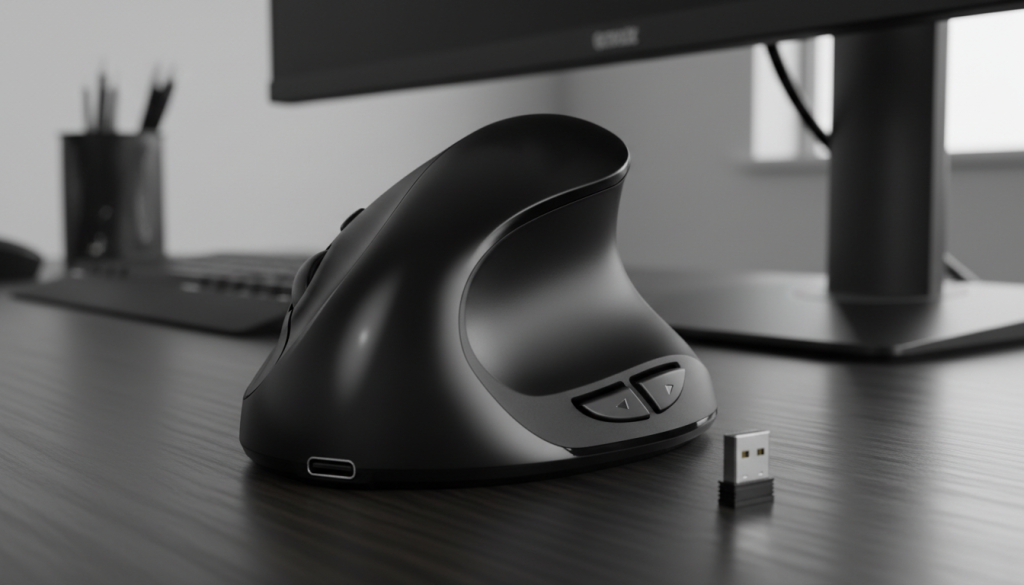
Real-world feel
This is a classic vertical “handshake” mouse aimed at small/medium hands. If your wrist pain comes from twisting your arm flat all day, a vertical design like this is usually the first ergonomic upgrade people try.
Standout features (based on listing)
- Vertical ergonomic shape (natural grip angle)
- Rechargeable
- USB receiver (wireless dongle)
- Multiple DPI levels (simple adjustment)
Pros
- Easy entry into vertical mice (simple, no learning curve beyond the shape)
- Great for desk work, browsing, emails, light productivity
- Rechargeable = less battery hassle
Cons
- Smaller bodies can feel cramped if you have large hands
- Limited DPI steps vs feature-heavy models
- Vertical mice can feel “weird” for the first couple days (normal)
Best for: Anyone new to vertical mice who wants a simple comfort upgrade.
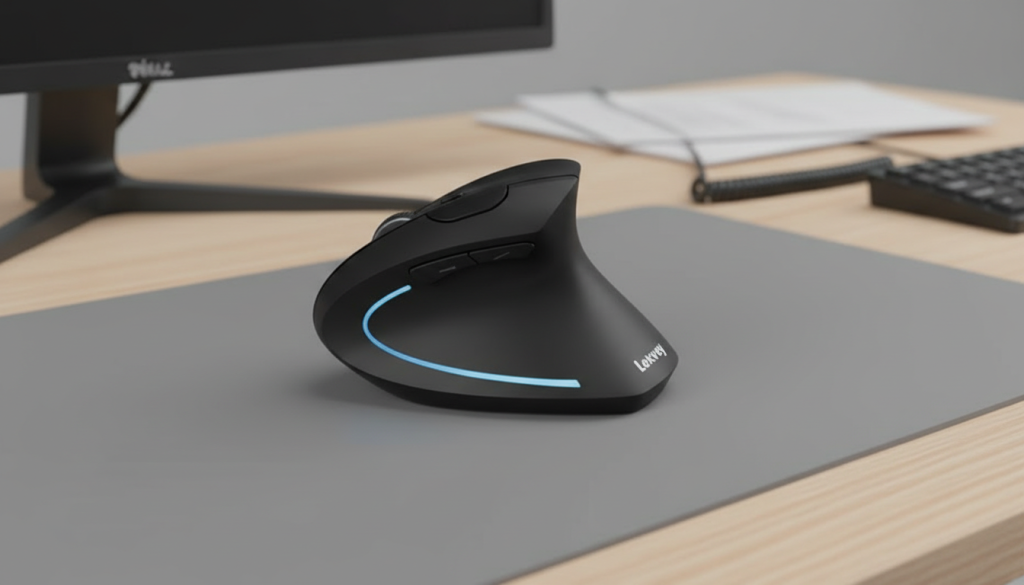
2) LEKVEY Vertical Wireless Mouse (Top Reviewed Comfort Pick, 6 Buttons)
Real-world feel
This is the “popular comfort pick” style: vertical-ish ergonomic shape, extra buttons, and basic DPI control. The big benefit here is that it hits the sweet spot of comfortable + uncomplicated.
Standout features
- 2.4G wireless with USB receiver
- 800/1200/1600 DPI (practical range for office work)
- 6 buttons (usually includes back/forward)
Pros
- Comfortable for long office sessions once you adjust
- Back/forward buttons are genuinely useful daily
- DPI range is “just right” for most people
Cons
- Not a high-DPI option for ultra-wide setups
- Build feel can be more “practical” than premium
- If you want Bluetooth switching, look at #4 or #5
Best for: The best “safe” pick if you want comfort + simple wireless.
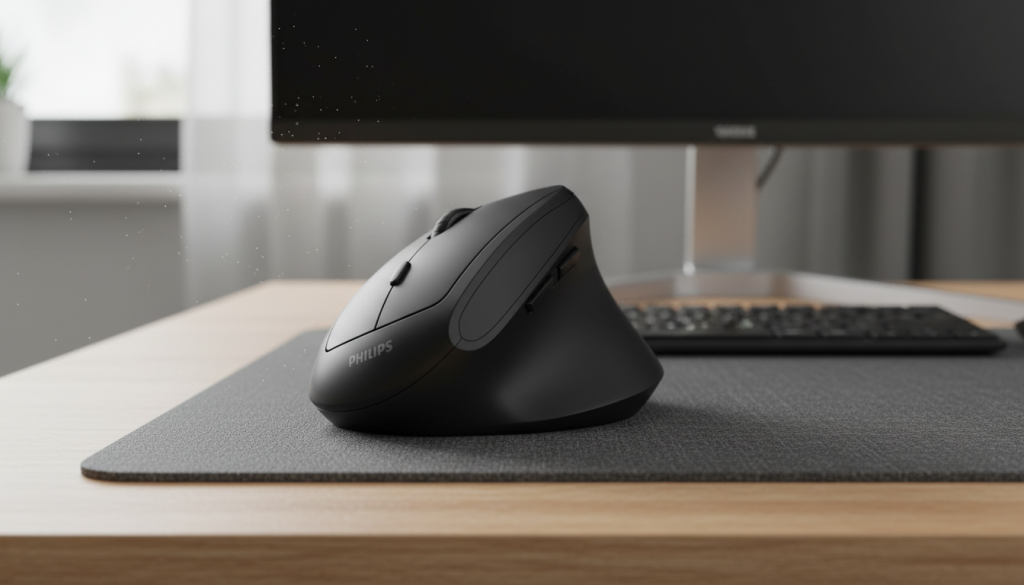
3) Philips Vertical Ergonomic Mouse (Silent Buttons, Lightweight Feel)
Real-world feel
If you work in a quiet space (shared office, library vibes, home at night), silent buttons matter more than you think. This Philips option is positioned as a lighter, quieter vertical mouse for daily use.
Standout features
- Vertical ergonomic shape
- 800/1200/1600 DPI
- “Silent buttons” design
- 2.4GHz wireless with USB receiver
Pros
- Quieter clicking for focus and shared spaces
- DPI steps are practical for work
- Often a nice “lightweight” feel for long days
Cons
- If you want Bluetooth or multi-device switching, this isn’t the focus
- Silent clicks can feel softer (some people love that, some don’t)
Best for: Quiet environments + people who want a no-noise work mouse.
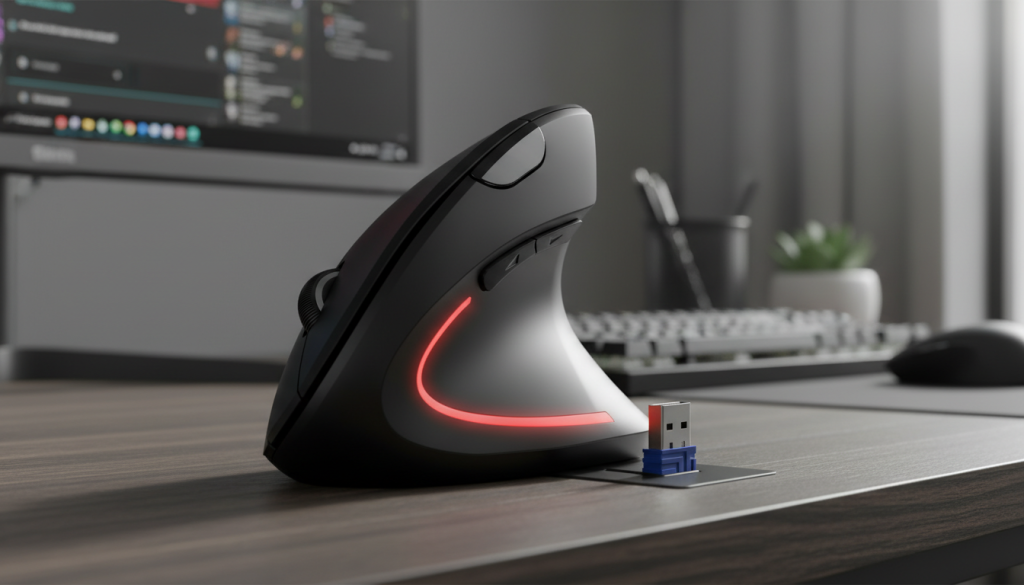
4) TECKNET Bluetooth Vertical Ergonomic Mouse (High DPI + Quiet Clicks)
Real-world feel
This is the “feature-packed ergonomic” option: Bluetooth + 2.4G, higher DPI, and quiet clicks. If you bounce between devices or want more cursor speed control, TECKNET is the most spec-heavy here.
Standout features
- Bluetooth + 2.4GHz (dual-mode)
- Up to 4800 DPI (useful on big screens)
- Quiet clicks
- “12 months battery” claim in listing (usage varies)
Pros
- Best for big monitors or faster cursor movement (high DPI)
- Dual connectivity is super convenient
- Quiet clicks without sacrificing too much tactile feel
Cons
- More settings can mean more fiddling at first
- Ergonomic shape is a personal fit—return policy is your friend
Best for: People who want more control + more compatibility (Bluetooth + dongle).
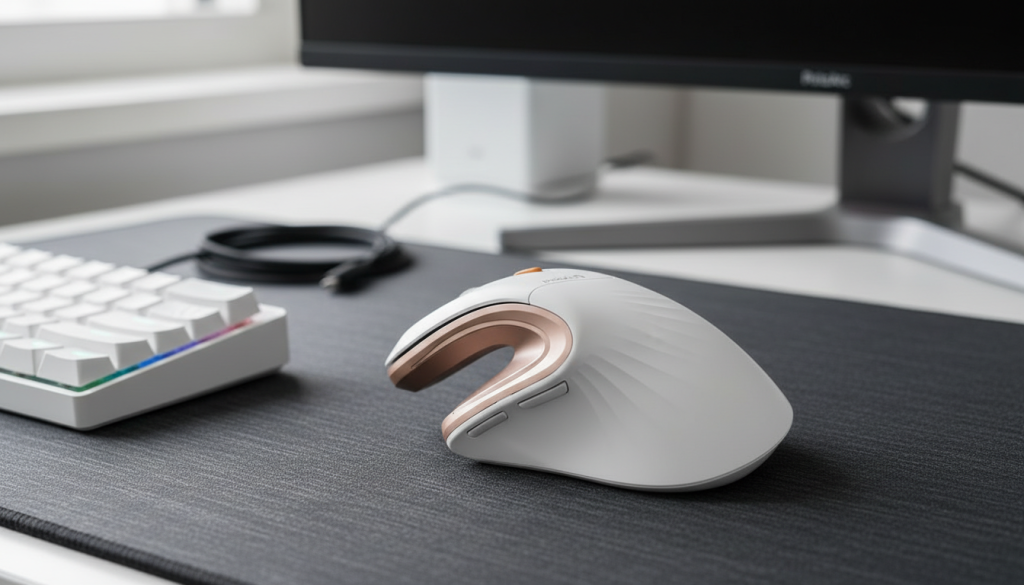
5) ProtoArc EM11 NL Vertical Mouse (Multi-Device + Rechargeable)
Real-world feel
If you want one mouse for work laptop + personal laptop + tablet, this is the cleanest fit. Multi-device switching is a real quality-of-life upgrade, and ProtoArc tends to appeal to people who want a more “premium” daily driver.
Standout features
- Bluetooth + 2.4GHz
- Multi-device connectivity (3 devices) in listing
- Rechargeable
Pros
- Best “desk setup” mouse if you juggle multiple devices
- Rechargeable and travel-friendly
- Great long-session comfort once your hand adapts
Cons
- Multi-device features are only worth it if you’ll actually use them
- White/gold colorway may show scuffs faster than black (depending on use)
✅ Best overall pick: ProtoArc EM11 NL — the most complete combo of comfort + multi-device convenience.
Comparison: which one is “optimal” for YOU?
- You want the best all-around: ProtoArc EM11 NL (#5)
- You want the most features for the money: TECKNET (#4)
- You want quiet clicking: Philips (#3) (also TECKNET is quiet too)
- You want simple comfort without extras: LEKVEY (#2) or Lekvey (#1)
My honest tips (from real daily use habits)
- Give it 2–7 days. The first day with a vertical mouse can feel awkward—then your hand adapts.
- Lower your grip force. Most wrist pain gets worse when you squeeze the mouse too hard.
- Adjust pointer speed + DPI together. Don’t crank DPI and Windows/macOS speed at the same time—find a balanced feel.
- Use a soft wrist rest only if it helps. Some people love them; others press their wrist too much and feel worse.
FAQ (SEO-friendly)
Is a vertical mouse actually better for wrist pain?
Often, yes—because it reduces forearm twisting and can improve wrist posture. But comfort is individual.
What if my wrist pain is from clicking too much?
Look for quiet/soft clicks (like #3 or #4) and consider changing habits: keyboard shortcuts + less “death grip.”
Do ergonomic mice work for gaming?
Casual gaming, yes. Competitive FPS players may prefer traditional shapes and sensors—ergonomic is mainly for comfort.