A cheap wireless mouse can be totally fine… until it starts stuttering, chewing through batteries, or making your clicks sound like a stapler.
These under-$30 picks focus on stable tracking, everyday comfort, and battery life that won’t annoy you.
Affiliate note: As an Amazon Associate, I may earn from qualifying purchases (at no extra cost to you).
Quick picks (so you can decide fast)
- Best overall reliability + battery: Logitech M185 (simple, proven, long battery life)
- Best for spreadsheets & fast scrolling: INFINIMIND Side Scroll Mouse
- Best for MacBook / USB-C setups: “Mouse for MacBook” Dual-Mode + USB-C receiver
- Best budget gaming feature set: FFJ Tri-Mode Gaming Mouse (advertised 24,000 DPI)
What to look for under $30
- Connection type: 2.4GHz dongle = usually most stable; Bluetooth = cleaner setup for laptops
- Battery style: AA/AAA can last forever; rechargeable is convenient but needs charging
- Sensor consistency: For daily work, stability > extreme DPI numbers
- Buttons & scroll: Side scroll and fast-scroll are great if you use spreadsheets or long pages
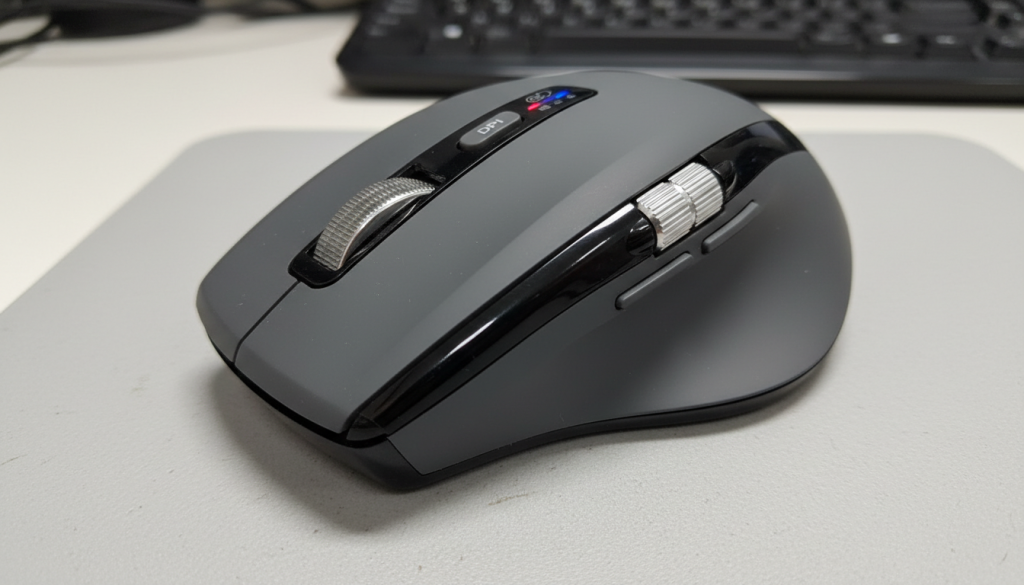
1) INFINIMIND Wireless Side Scroll Mouse (Multi-Device + “Flying” Scroll)
What it’s like (real use)
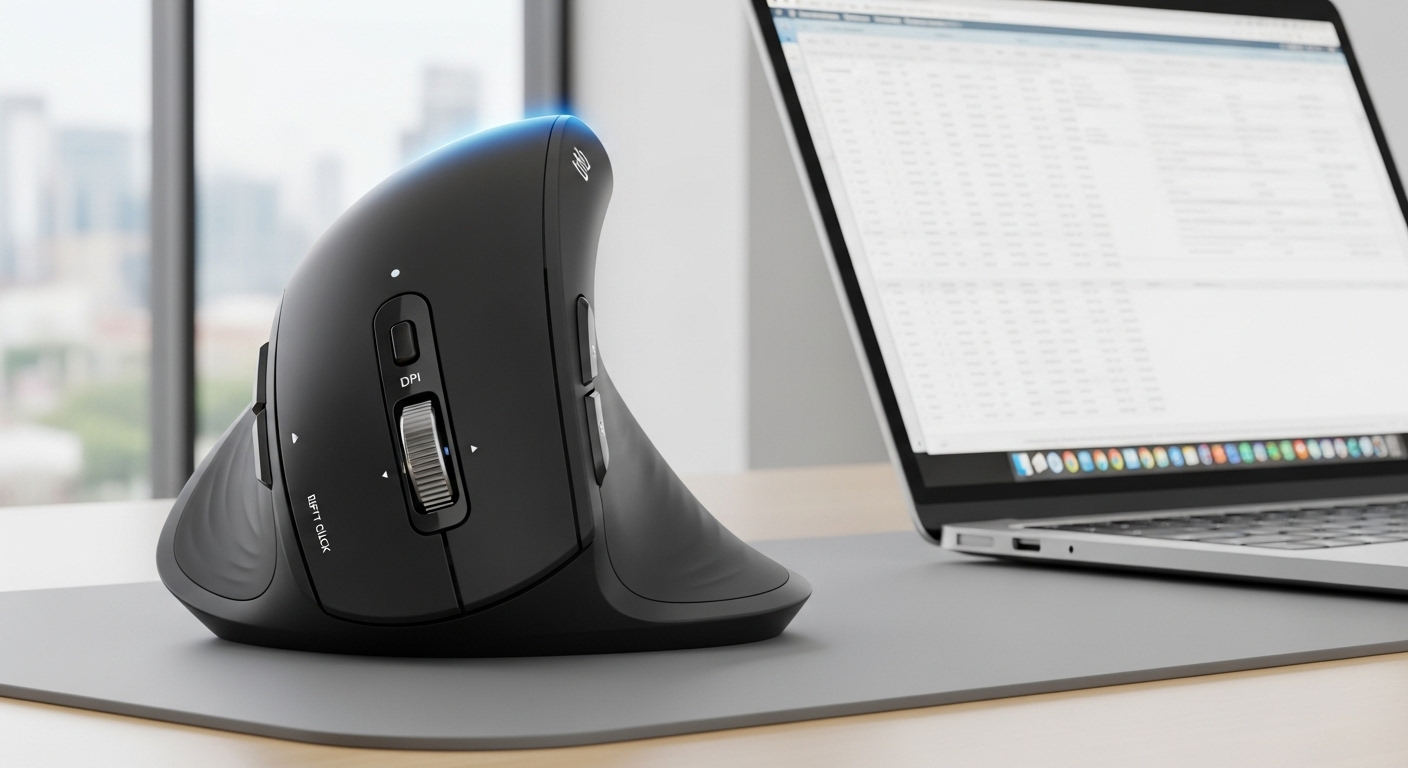
This is a productivity-style mouse built around scrolling. If you’re constantly moving through long docs or wide spreadsheets, the “smart flying scroll” approach can feel faster than a standard wheel.
Standout features (based on listing)
- Multi-device support
- Side scroll + “flying” fast scroll
- Quiet click design
Pros
- Scrolling is the main win—fast and easy for long pages
- Side scroll helps with Excel/Sheets and horizontal timelines
- Quiet clicks are nicer in shared spaces
Cons
- Fast-scroll can feel “floaty” if you prefer precise notch-by-notch scrolling
- More features = slightly more learning curve
Best for: Spreadsheets, research, and anyone who scrolls all day.
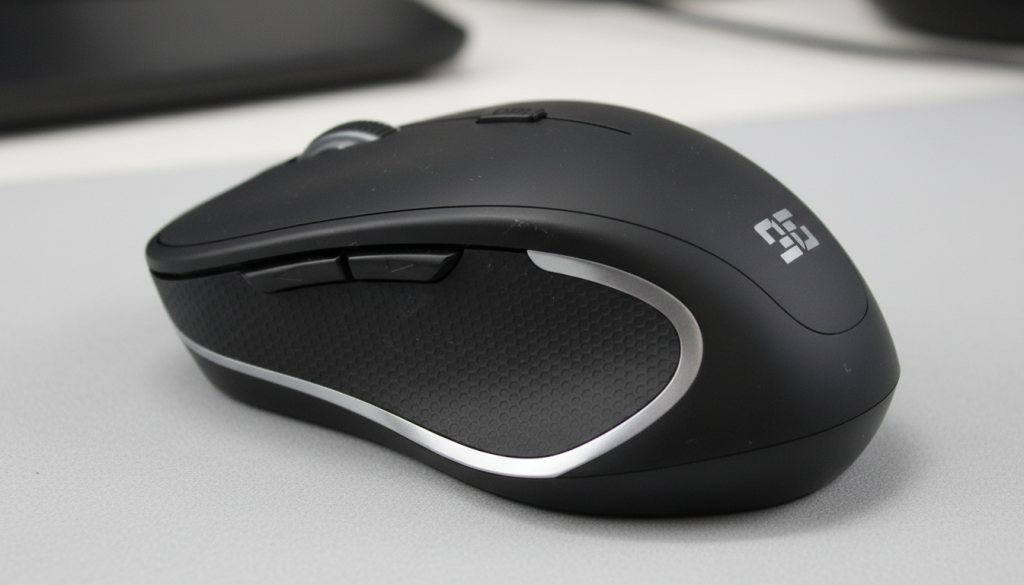
2) “Mouse for MacBook” Wireless Bluetooth Mouse (Dual Mode + USB-C Receiver)
What it’s like (real use)
This is the practical pick for modern laptop setups—especially if you prefer a USB-C receiver instead of a USB-A dongle (or hate carrying adapters). It’s marketed as a MacBook-friendly option and typically fits lightweight daily use.
Standout features (based on listing)
- Dual-mode wireless (Bluetooth + 2.4GHz)
- USB-C receiver
- Rechargeable
- “Silent” clicking in the title
Pros
- USB-C receiver is genuinely convenient for newer laptops
- Dual connection is flexible (Bluetooth for travel, receiver for stability)
- Rechargeable = no battery shopping
Cons
- “MacBook” style mice can be smaller—may not suit large hands
- Some generic models vary in click feel/build consistency
Best for: MacBook/USB-C laptop owners who want simple dual-mode on a budget.
3) FFJ Tri-Mode Wireless Gaming Mouse (Advertised 24,000 DPI + Rechargeable)

What it’s like (real use)
This is the “feature-heavy” budget gaming option. The high DPI number looks impressive, but for most people the real benefit is tri-mode connectivity and extra controls for games or shortcuts.
Standout features (based on listing)
- Tri-mode: 2.4G / USB-C / Bluetooth
- Advertised 24,000 DPI
- Rechargeable (battery-life claim in listing)
- RGB lighting / gaming styling
Pros
- Best “spec sheet” value under $30
- Tri-mode is great if you switch between devices
- Works for casual gaming + productivity shortcuts
Cons
- High DPI numbers don’t automatically mean better real-world accuracy
- Gaming shapes are personal—comfort can vary by grip style
- RGB can reduce battery life (if you keep it on)
Best for: Budget gamers or anyone who wants more buttons + multi-connection options.
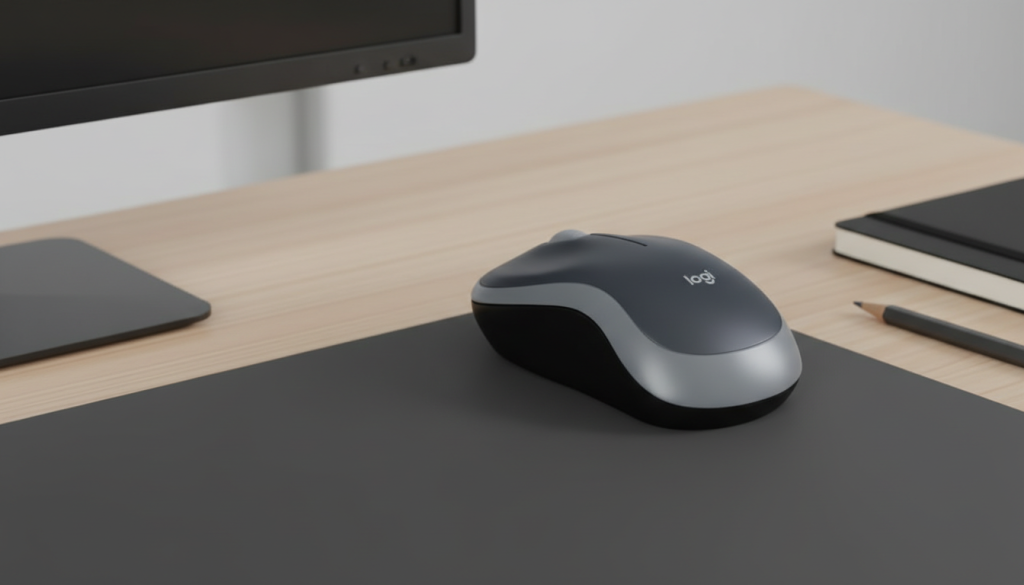
4) Logitech M185 Wireless Mouse (2.4GHz + Long Battery Life)
What it’s like (real use)
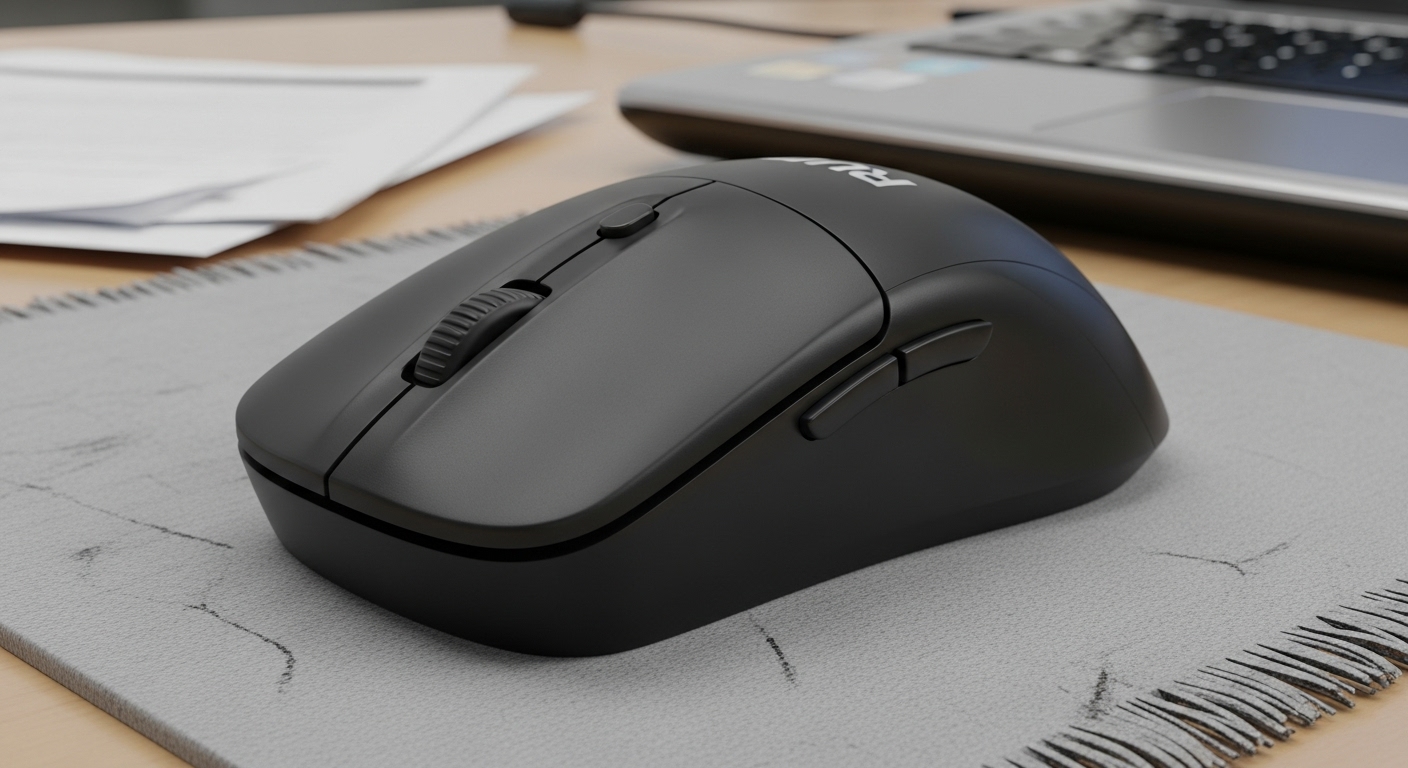
The Logitech M185 is the definition of “no drama.” It’s not fancy, but it’s reliable: stable 2.4GHz connection, comfortable enough for most hands, and typically the kind of mouse you forget about (in a good way).
Standout features (based on listing)
- 2.4GHz wireless with USB mini receiver
- Long battery life (listed as 12 months)
- Ambidextrous, simple design
Pros
- Most dependable “just works” option here
- Great battery life for the price
- Comfortable, familiar shape for everyday work
Cons
- No Bluetooth, no multi-device switching
- Basic scrolling + basic buttons (no extras)
- Not a “silent click” mouse in the same way as some others
✅ Best overall pick under $30: Logitech M185 — best mix of reliability + battery + simplicity.
Which one should you buy?
- Want maximum reliability + battery life: Logitech M185
- Work in spreadsheets or scroll nonstop: INFINIMIND Side Scroll
- Use a MacBook / USB-C laptop: Dual-Mode “Mouse for MacBook”
- Want a budget gaming-style mouse with features: FFJ Tri-Mode Gaming
Honest tips (so your budget pick feels premium)
- If you hate lag, use the 2.4GHz receiver when possible (often most stable).
- For rechargeable models: charge before it hits 0%—battery health is better long-term.
- If your hand cramps, avoid tiny mice—comfort is worth more than specs.
FAQ (SEO-friendly)
Are budget wireless mice reliable?
Yes—especially simple 2.4GHz models from established brands (like Logitech). With feature-heavy generic models, quality can vary more.
Bluetooth or USB receiver—what’s better?
USB receiver is often more stable; Bluetooth is cleaner for travel and fewer dongles.
Do I need high DPI?
Not really. For work, consistent tracking matters more than extreme DPI numbers.