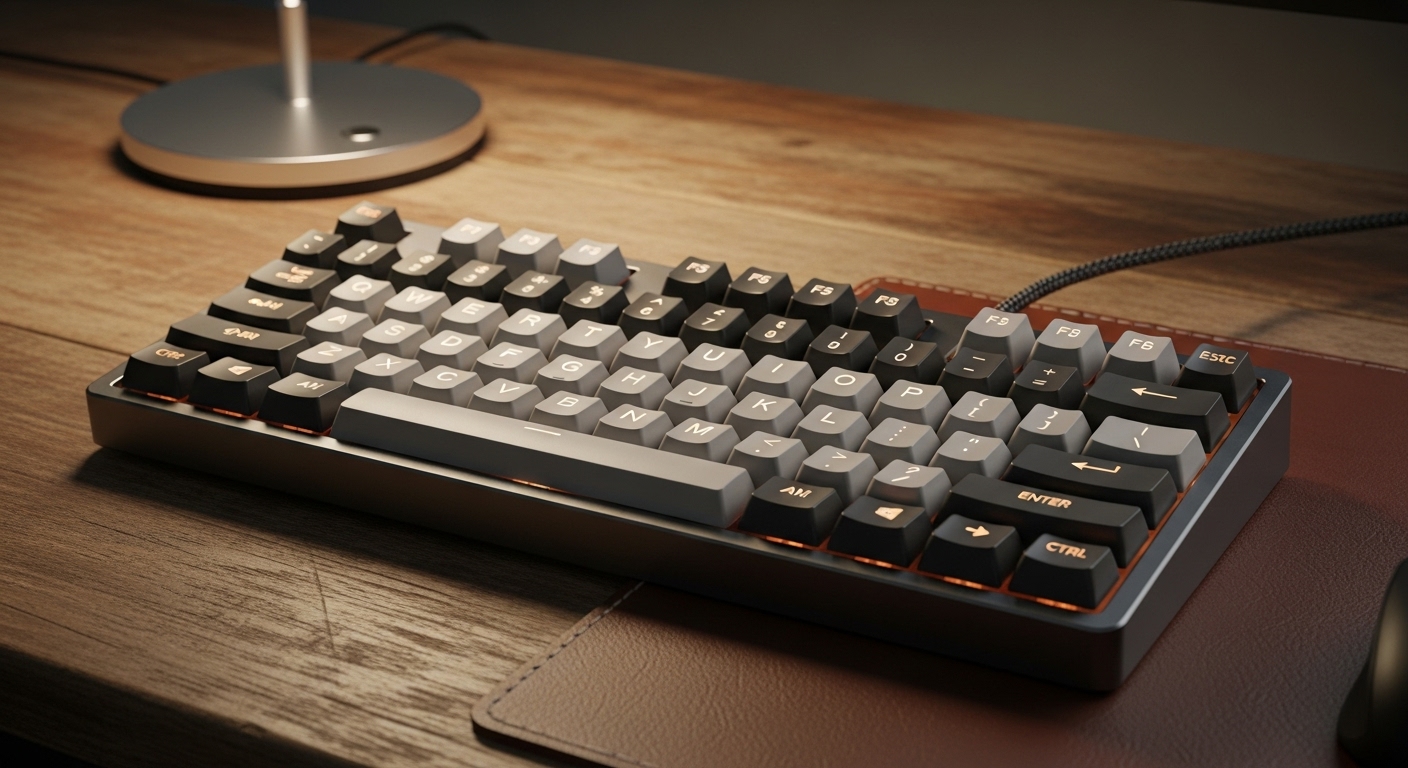
If you’ve ever typed on a keyboard that felt mushy, loud, or weirdly tiring, you already know this choice matters.
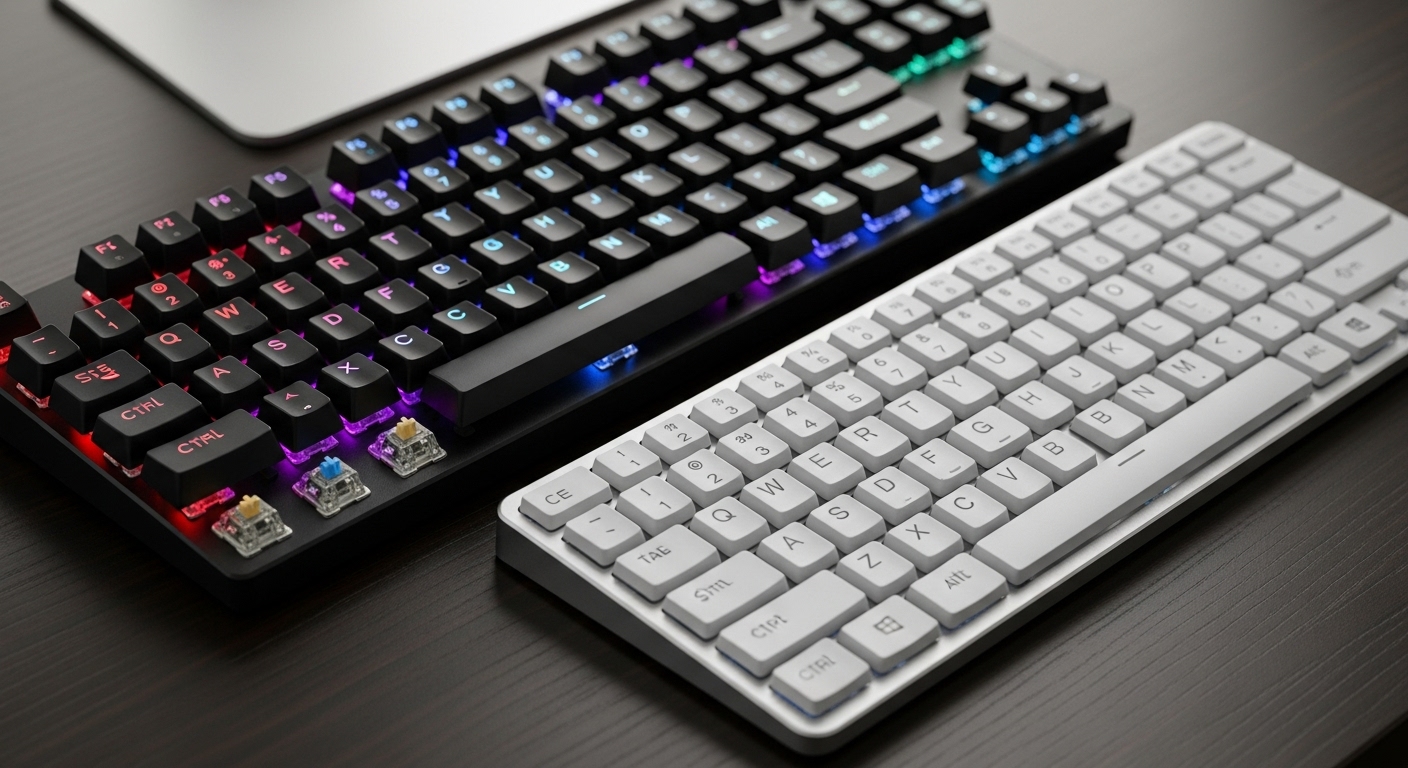
Mechanical and membrane keyboards can both be “good”—but they feel very different in daily use, especially for work, gaming, and noise.
This guide breaks down the real-world differences, pros/cons, and the most practical “best choice” depending on how you use your keyboard.
Quick verdict (for most people)
- Best overall feel + performance: Mechanical
- Best for quiet + budget: Membrane
- Best “optimal” choice: Mechanical with quiet switches (or a well-damped board) if noise matters, otherwise mechanical for most users.
What’s the difference (in plain English)?
Membrane keyboards
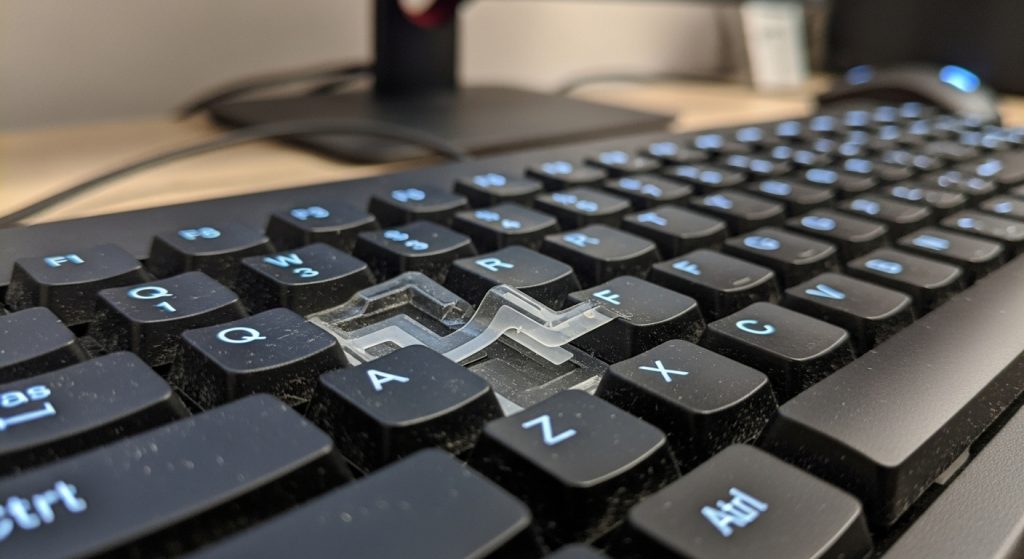
- Keys press down onto a rubber dome/membrane layer
- Feel is usually softer and mushier
- Typically cheaper and quieter (but not always)
Mechanical keyboards
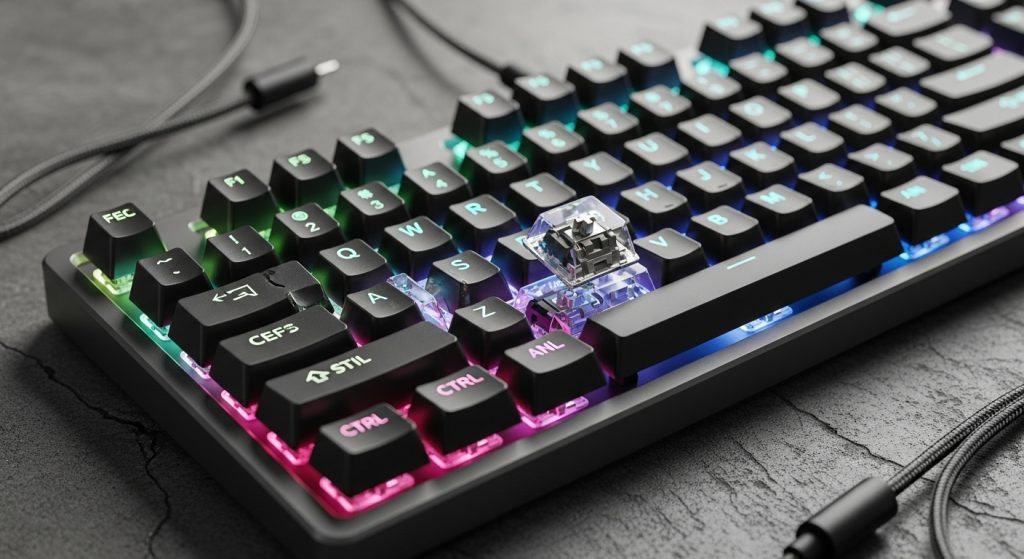
- Each key has an individual mechanical switch
- Feel is more crisp, consistent, and often more comfortable for long sessions
- Can be louder depending on switch type and board build
1) Which is better for WORK?
Mechanical wins if you type a lot
Why it’s better for work (real use):
- More consistent key feel (less fatigue for many people)
- Better tactile feedback (you make fewer typos once you adapt)
- Easier to find a “feel” you like (linear, tactile, silent, etc.)
Downside for work: noise.
If you work near others, clicky switches can be a dealbreaker.
Membrane wins if you want simple + quiet
Why it’s better for work sometimes:
- Often quieter in shared spaces
- Cheaper and “good enough” for emails, docs, schoolwork
- Soft bottom-out can feel comfortable for light typing
Downside: mushy feel can cause more accidental presses and fatigue for heavy typists.
✅ Work recommendation:
- Heavy typing, coding, writing: Mechanical (prefer quiet/tactile options)
- Shared office, noise-sensitive: Membrane or quiet mechanical
2) Which is better for GAMING?
Mechanical is usually better for gaming (especially competitive)
Why:
- Faster, more consistent actuation
- Better key rollover/anti-ghosting on many models
- Clear feedback = fewer missed inputs
Membrane can still be fine for casual gaming
If you’re playing single-player, cozy games, or casual multiplayer, membrane is perfectly usable.
The real difference you feel:
- Mechanical feels more responsive and precise
- Membrane can feel slower or less defined during fast key repeats
✅ Gaming recommendation:
- Competitive / fast-paced: Mechanical
- Casual / controller-heavy games: either works
3) Which is better for NOISE?
This is where people get surprised.
Membrane is usually quieter, but…
Some membranes still sound loud because of:
- hard bottoming out
- thin plastic case echo
- rattly stabilizers on big keys
Mechanical can be quiet (if you choose the right setup)
Mechanical noise comes from three main things:
- Switch type (clicky is loud; silent linear/tactile is much quieter)
- Bottom-out sound (how hard you press)
- Keyboard case/plate resonance (hollow “ping” vs dampened sound)
✅ Noise recommendation:
- Quietest for shared spaces: Membrane or silent mechanical
- Avoid: clicky switches if you have roommates/coworkers
Side-by-side comparison (real-world pros & cons)
Mechanical — Pros
- Better typing feel for long sessions
- More consistent and accurate
- Often better for gaming responsiveness
- Durable and customizable
Mechanical — Cons
- Can be louder (depends on switches/build)
- Usually more expensive
- You might fall into the “keyboard hobby” rabbit hole
Membrane — Pros
- Usually cheaper
- Often quieter out of the box
- Simple and lightweight
Membrane — Cons
- Mushier feel
- Less consistent over time
- Not as satisfying for heavy typing or fast inputs
Comfort & fatigue (the part people don’t talk about enough)
If you type all day, comfort isn’t just “feel”—it’s:
- how hard you press
- how much you bottom out
- your wrist position and desk height
Mechanical keyboards often reduce fatigue because you can type lighter once you adapt.
Membrane can feel comfortable short-term, but heavy typists sometimes press harder to “confirm” the keystroke.
The “best choice” by user type (simple)
Choose MECHANICAL if you…
- type a lot (work, school, coding, writing)
- want better accuracy and feel
- game often (especially competitive)
Choose MEMBRANE if you…
- want the cheapest option that works
- need the quietest possible setup
- mainly do light tasks (web, email, occasional gaming)
My optimal recommendation
If you want one keyboard that’s genuinely great for work + gaming without turning your desk into a noise machine:
✅ Optimal pick: Mechanical keyboard with quiet switches and good stabilizers
It gives you the mechanical benefits (feel, performance) while keeping noise reasonable—especially in shared spaces.
Quick tips to make ANY keyboard quieter
- Type with a lighter touch (don’t slam keys)
- Use a desk mat (reduces echo)
- If mechanical: avoid clicky switches; look for dampened/silent options
- If membrane: avoid ultra-thin cases that amplify noise