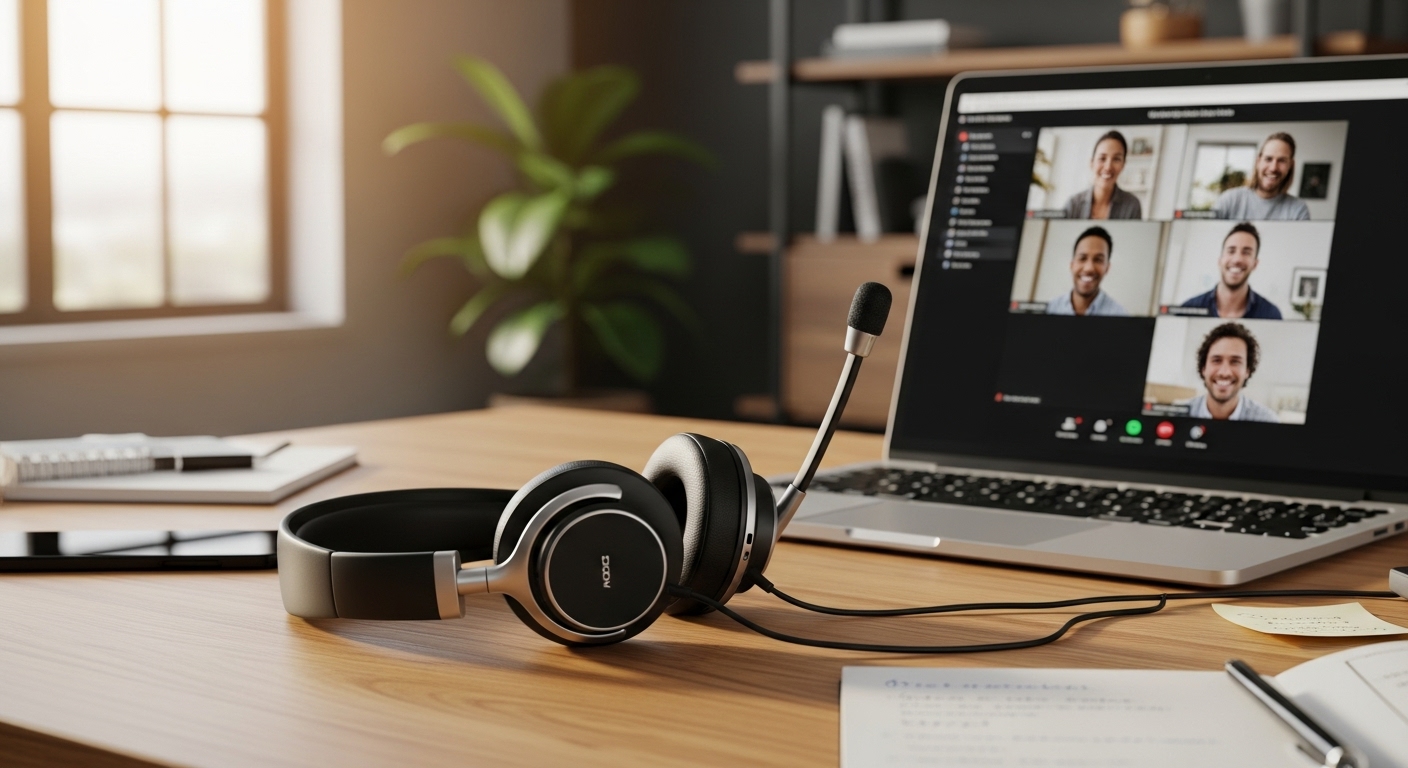
If you’re on Zoom all day, a headset isn’t just “audio”—it’s your work tool. The right one makes you sound clear, blocks background noise, and stays comfortable through back-to-back meetings without clamping your head like a vise.
Below are top picks focused on mic quality + long-meeting comfort.
Affiliate disclosure: As an Amazon Associate, I may earn from qualifying purchases (at no extra cost to you).
What I’m judging these on (real-world meetings)
- Mic clarity (how natural your voice sounds)
- Noise-canceling mic performance (keyboard clicks, fan noise, café chatter)
- Comfort for 2–6 hours (clamp force, ear pad softness, weight)
- Connectivity stability (USB dongle > Bluetooth for PC calls)
- Mute controls (easy, physical buttons beat tiny toggles)
1) LEVN Wireless Headset (Charging Stand, Mic Mute, Work-Focused)
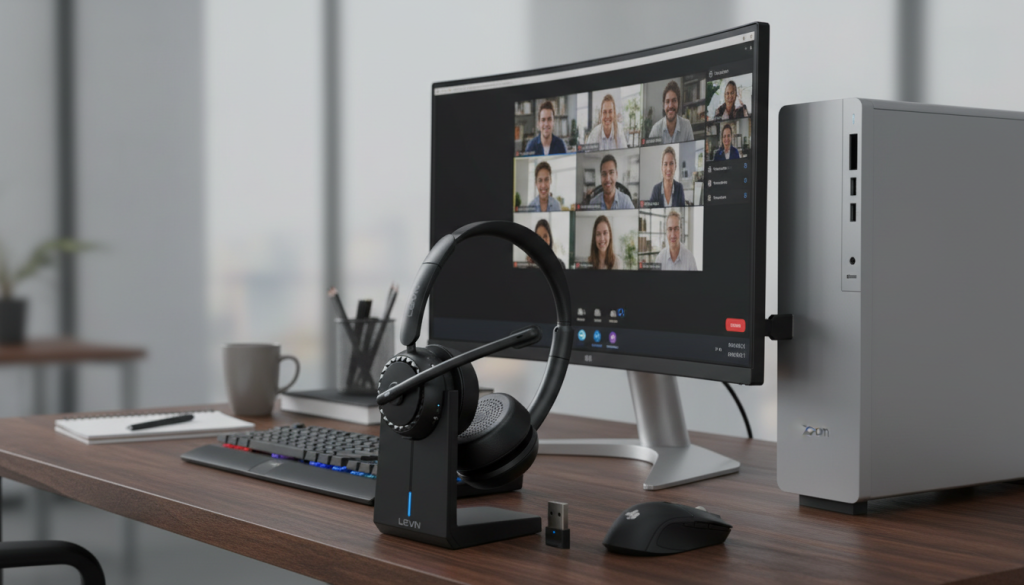
What it’s like
This is the “desk setup” headset. The charging stand is the underrated win—when your headset lives on a dock, it’s always charged and always in the same place. Great for call-heavy jobs.
Standout features
- Wireless convenience + base/stand setup
- Noise-canceling mic + dedicated mute button
- Built for home office / call center style use
Pros
- Dock/stand makes daily use effortless
- Easy mute access for meetings
- Good for long workdays where you’re constantly hopping on calls
Cons
- Takes desk space
- Wireless stability depends on the connection type (dongle setups are usually best)
Best for: People who want a clean always-charged desk headset workflow.
2) AOC Wireless Headset (Bluetooth 5.4, USB-C/3.0, Noise-Canceling Mic)

What it’s like
A budget-friendly work headset with modern connection support and a noise-canceling mic focus. If you want clear calls without spending a lot, it’s a strong “value” style choice.
Standout features
- Bluetooth 5.4 and dongle-style connectivity support (varies by setup)
- Noise-canceling microphone
- Call-friendly design with boom mic
Pros
- Great price-to-features ratio
- Boom mic usually helps voice clarity vs built-in headphone mics
- Solid for everyday Zoom/Teams calls
Cons
- Comfort can vary depending on clamp force and ear pad material
- Bluetooth can sometimes be less stable than dongle connection on busy PCs
Best for: Budget users who still want a proper boom mic for meetings.
3) Logitech H390 (Wired USB-A, Noise-Canceling Mic) — Overall Pick

What it’s like
This is the “just works” classic. Wired USB headsets are still the most dependable for work calls—no pairing issues, no battery anxiety, no random Bluetooth dropouts mid-meeting.
Standout features
- Wired USB-A plug-and-play reliability
- Noise-canceling mic
- Lightweight, simple controls
Pros
- Most stable connection for Zoom/Teams
- No charging, no pairing—perfect for work PCs
- Great value and widely used for meetings
Cons
- Wired cable can feel annoying if you move around a lot
- Audio is meeting-focused, not “premium music” quality
✅ Best overall for work calls: Logitech H390 (reliable, simple, consistent).
4) LEVN Bluetooth Headset (60 Hours, Dual Connection, Work/Zoom Focus)

What it’s like
This is the “wireless endurance” pick. If you hate charging and want a headset that can last through multiple workdays, long battery life is the selling point.
Standout features
- Long battery life (listed around 60 hours)
- Dual connection (helpful if you swap devices)
- Boom mic for clearer voice pickup
Pros
- Battery life is excellent for heavy call schedules
- Convenient for moving around during calls
- Good for hybrid setups (laptop + phone)
Cons
- Wireless can always be a little less foolproof than wired
- Comfort depends on your head size and clamp force preference
Best for: People who want wireless freedom + huge battery for meeting-heavy weeks.
Comparison: Which one should you buy?
If you want the most reliable Zoom experience:
✅ Logitech H390 (wired) — no pairing, no battery, no surprises.
If you want a clean wireless desk setup:
✅ LEVN Wireless with charging stand — always charged, always ready.
If you want the best budget wireless boom mic:
✅ AOC Wireless Headset — good value for meeting clarity.
If you want maximum battery life:
✅ LEVN 60-hour Bluetooth headset — best for long weeks without charging.
My “optimal choice” recommendation
For most people doing daily Zoom calls, the best overall mix of mic clarity + comfort + stability is:
✅ Optimal pick: Logitech H390 (wired USB)
If you absolutely need wireless freedom, the next best “work-first” choice is:
✅ LEVN Wireless with charging stand
Honest tips to sound better on Zoom (even with a good headset)
- Put the mic 1–2 inches from the corner of your mouth (not directly in front of lips)
- Turn on Zoom’s noise suppression (Auto or High if your room is loud)
- Avoid pointing the mic at your keyboard (it will pick up typing)