Most “bad headphone sound” isn’t actually the headphones. It’s fit, settings, and wrong EQ.
With a few quick tweaks, you can get clearer vocals, tighter bass, and less harsh treble—without buying anything new.
This guide covers: Fit tips, EQ basics, and codec settings (iPhone/Android/Windows/macOS).
1) Start with fit (it matters more than EQ)
For earbuds: seal = bass + clarity
If your earbuds sound thin or “no bass,” it’s almost always a bad seal.
Quick fit checklist
- Try a bigger ear tip if bass is weak or ANC feels poor
- Try a smaller tip if pressure hurts or buds feel loose
- Insert, then twist slightly to lock in
- If you can hear too much outside noise, your seal isn’t right
Pro tip: The “correct” tip size is the one that gives bass at low volume without discomfort.
For over-ears: pad seal and position
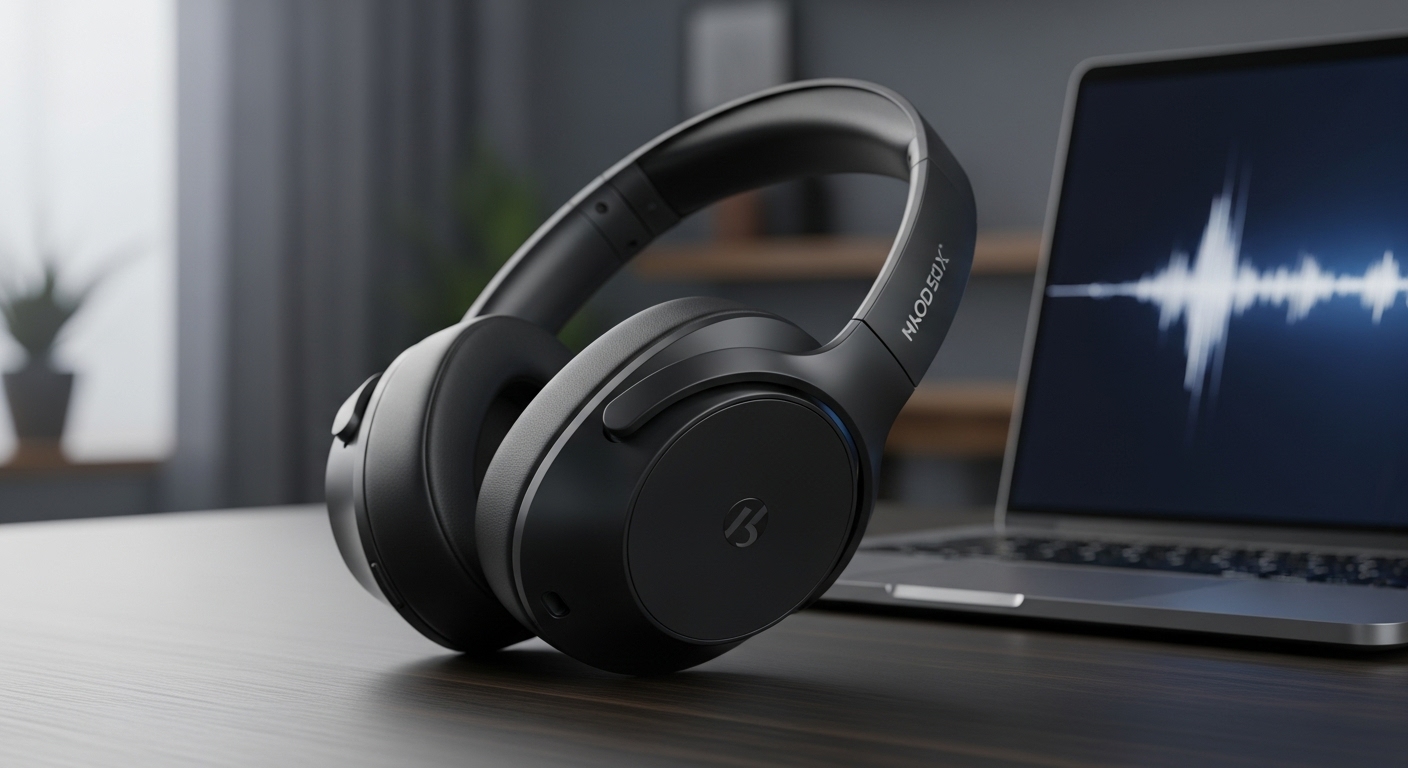
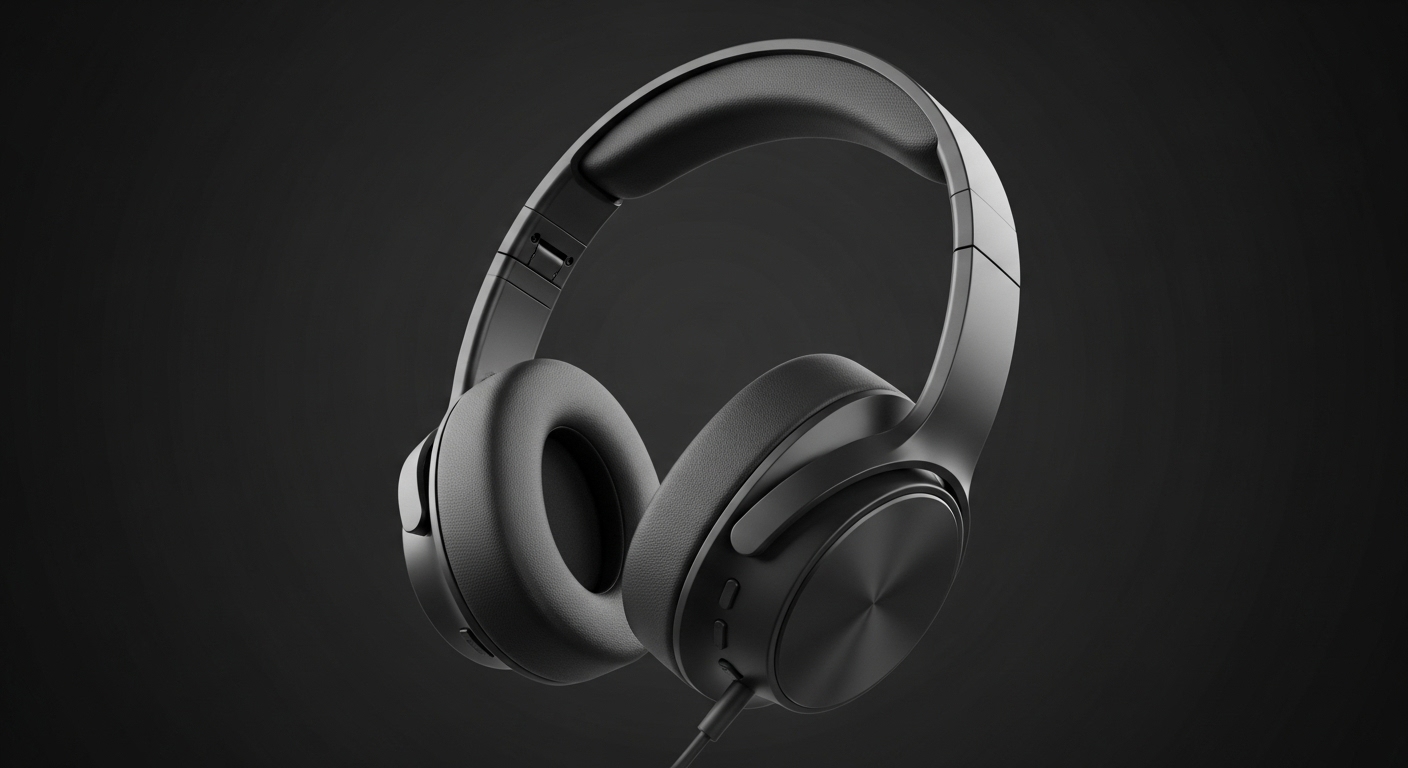
Over-ear headphones need the ear pads to seal evenly.
Fixes that work
- Center the ear inside the cup (don’t let the ear touch the driver grille)
- Adjust headband so pads sit flat (no gaps behind the jaw)
- Glasses can break the seal—try slightly shifting the frame or pads
- Worn pads = weaker bass. If pads are flattened, sound suffers.
2) EQ basics (simple approach that doesn’t ruin sound)
EQ = adjusting frequency bands. You don’t need to be an audio engineer.
The goal is small changes (usually ±1 to ±3 dB), not wild curves.
The 80/20 EQ method (works for most headphones)
Start with these common problems:
A) Bass is boomy / muddy
- Lower 200–300 Hz a little
This clears up “thump” that hides vocals.
B) Vocals are buried
- Boost 1–3 kHz slightly
This brings voices forward and improves speech clarity.
C) Treble is harsh or sibilant (“S” sounds hurt)
- Lower 6–9 kHz slightly
This reduces sharpness without killing detail.
D) Sound is dull / lacks sparkle
- Boost 8–12 kHz slightly
Adds air and detail—be gentle or it gets sharp fast.
A “safe” sample EQ curve (generic, small changes)
Use as a starting point:
- 60–100 Hz: +1 to +2 dB (if bass feels weak)
- 200–300 Hz: -1 to -2 dB (reduce mud)
- 1–3 kHz: +1 dB (clearer vocals)
- 6–9 kHz: -1 dB (reduce harshness)
Then adjust by ear. If it starts sounding unnatural, you went too far.
3) Use your headphone app (don’t skip this)
If your headphones have an app, check:
- EQ presets (start there, then tweak)
- ANC / transparency settings (can change bass perception)
- Firmware updates (can improve stability and tuning)
Reality: Some headphones sound “meh” on default tuning but become great with a simple EQ preset.
4) Codec settings (Bluetooth quality + latency)
What a codec is (plain English)
A codec is how your audio gets compressed and sent over Bluetooth.
Better codecs can give cleaner sound if your device and headphones both support them.
Common codecs (what to know)
- SBC: basic default; fine, but not best
- AAC: often best choice for iPhone; solid for many uses
- aptX / aptX HD / aptX Adaptive: common on Android; good mix of quality + latency
- LDAC: high-bitrate option on Android; can sound great but may be less stable in busy areas
Big truth: A stable connection at a moderate codec often sounds better than LDAC that keeps stuttering.
5) Best codec settings by device
iPhone / iPad
- iOS generally uses AAC (and that’s okay)
- Focus on fit + EQ more than codec hunting
- If audio cuts out, reduce interference (distance, crowded places)
Android
You can often choose a codec (depends on phone + headphones).
How to change (typical path)
- Enable Developer Options
- Go to Bluetooth Audio Codec
- Try aptX Adaptive or AAC for stability
- Use LDAC only if stable (and set to “Best Effort” if available)
Recommended approach
- Walking outside / crowded places: prioritize stability
- Sitting still / quiet room: try higher quality codecs
Windows (PC)
Windows Bluetooth quality varies a lot by adapter/drivers.
- Update Bluetooth drivers
- If your headphones support a dongle or wired mode, that can sound more stable
- Don’t expect perfect codec control like Android
macOS
macOS is usually stable and clean, but codec options are limited.
- Focus on EQ + fit
- Keep firmware updated via the headphone app (if available)
6) Fix “bad sound” problems fast (symptom → fix)
“No bass”
- Earbuds: change tip size, re-seat, get a better seal
- Over-ears: check pad seal, hair/glasses gaps, worn pads
- EQ: small boost at 60–100 Hz
“Bass is too boomy / muddy”
- EQ: lower 200–300 Hz
- Turn off “bass boost” presets
- Reduce ANC pressure if it exaggerates low end (some models do)
“Vocals sound far away”
- EQ: boost 1–3 kHz slightly
- Lower 200–300 Hz a touch to reduce masking
“Treble hurts / sibilance”
- EQ: lower 6–9 kHz slightly
- Lower volume (harsh treble gets worse loud)
“Bluetooth sounds worse than wired”
- Use a more stable codec (AAC/aptX Adaptive)
- Reduce interference (keep phone on same side as headphones)
- Turn off battery saver modes that throttle Bluetooth
7) A simple “best sound” setup (my go-to)
If you want the cleanest improvement with minimal effort:
- Fix fit/seal first
- Use a gentle EQ:
- -2 dB at 250 Hz
- +1 dB at 2 kHz
- -1 dB at 7 kHz
- On Android, use a stable codec (AAC or aptX Adaptive)
- Keep volume moderate (your ears—and treble—will thank you)
FAQ (SEO-friendly)
Does EQ reduce sound quality?
Not if you keep adjustments small. Extreme boosts can cause distortion.
Should I use LDAC for the best sound?
Only if it’s stable. Stutters ruin everything. Stability > bitrate in real life.
Why do my earbuds sound different every time?
Seal changes. Tip size and insertion angle make a huge difference.